
User Interface(default view)
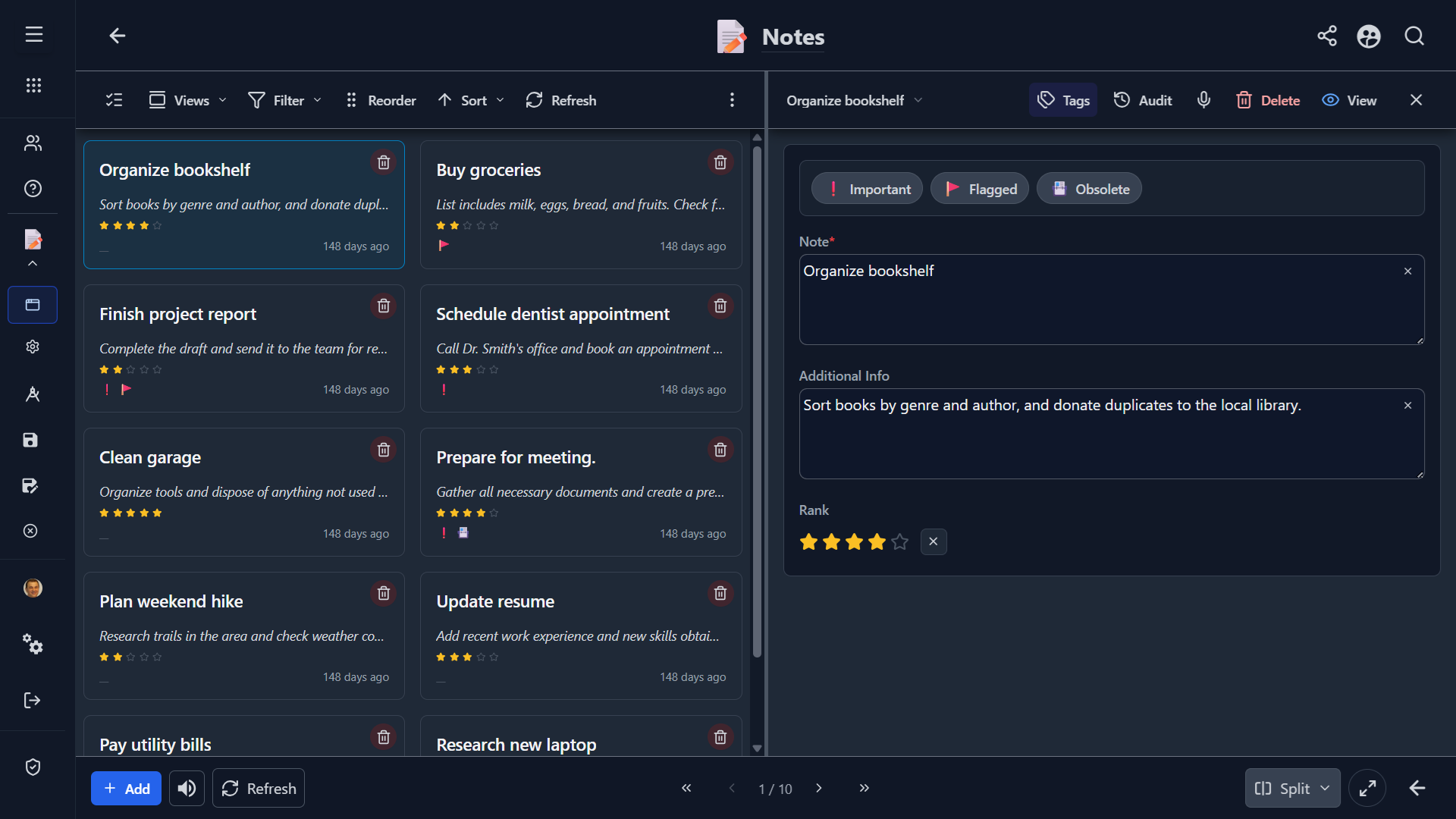
Explore more screenshots...
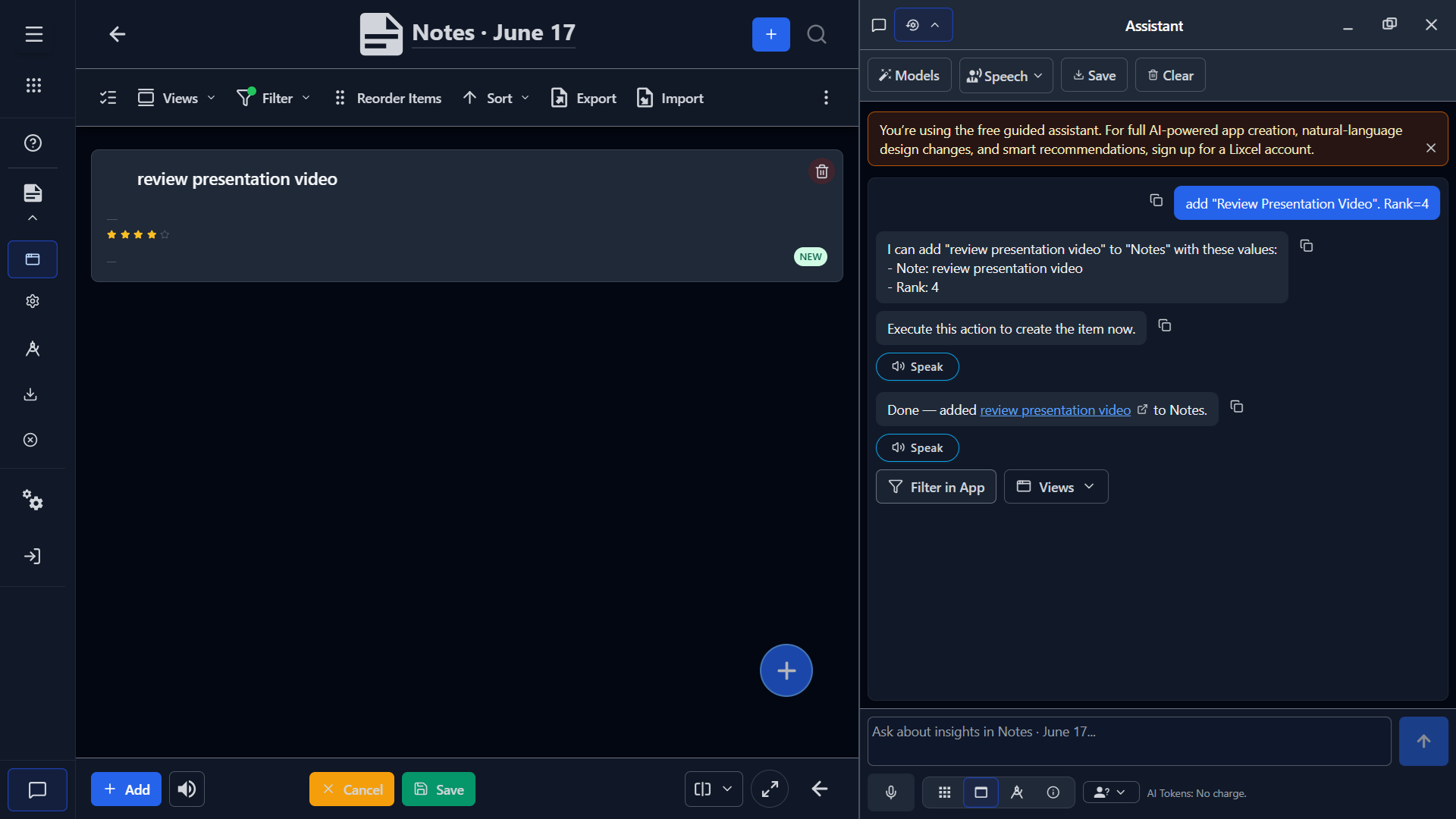
What This Template Is For
The Notes template is a simple capture-and-review app for short written information that you want to keep in one place.
It is intended for notes that need a little more structure than a plain text document, but not so much structure that you need a complex database design.
Examples of good use cases include:
- reference notes
- reminders and follow-up points
- research snippets
- meeting takeaways
- idea capture
- personal knowledge fragments
When To Use It
Use this template when each item is primarily a note, and you want to:
- write quickly
- search across notes later
- add a small amount of supporting context
- flag or rank important entries
- review the same notes in more than one layout
This template is a good fit when the note itself is the main thing you are storing.
When Not To Use It
This template may be too simple if you need:
- due dates, owners, and workflow states for task management
- multiple related lists with strong relationships between records
- detailed numeric reporting
- a document system with attachments, approvals, or versioning
If your process depends on several required fields, formal status tracking, or heavy collaboration rules, start from a more specialized template or extend this one significantly.
Core Structure
The template is centered around a small number of fields:
- Note: the primary content
- Additional Info: optional supporting detail or context
- Rank: a quick way to express importance or priority
- Tags: lightweight visual categorization such as flagged or important states
This structure keeps entry fast while still giving you enough metadata to sort, scan, and review.
Included Views
The template includes several views so the same notes can support different working styles.
Cards
Use Cards when you want a readable, visual browsing experience. This works well for scanning note titles or short note bodies and spotting highlighted items quickly.
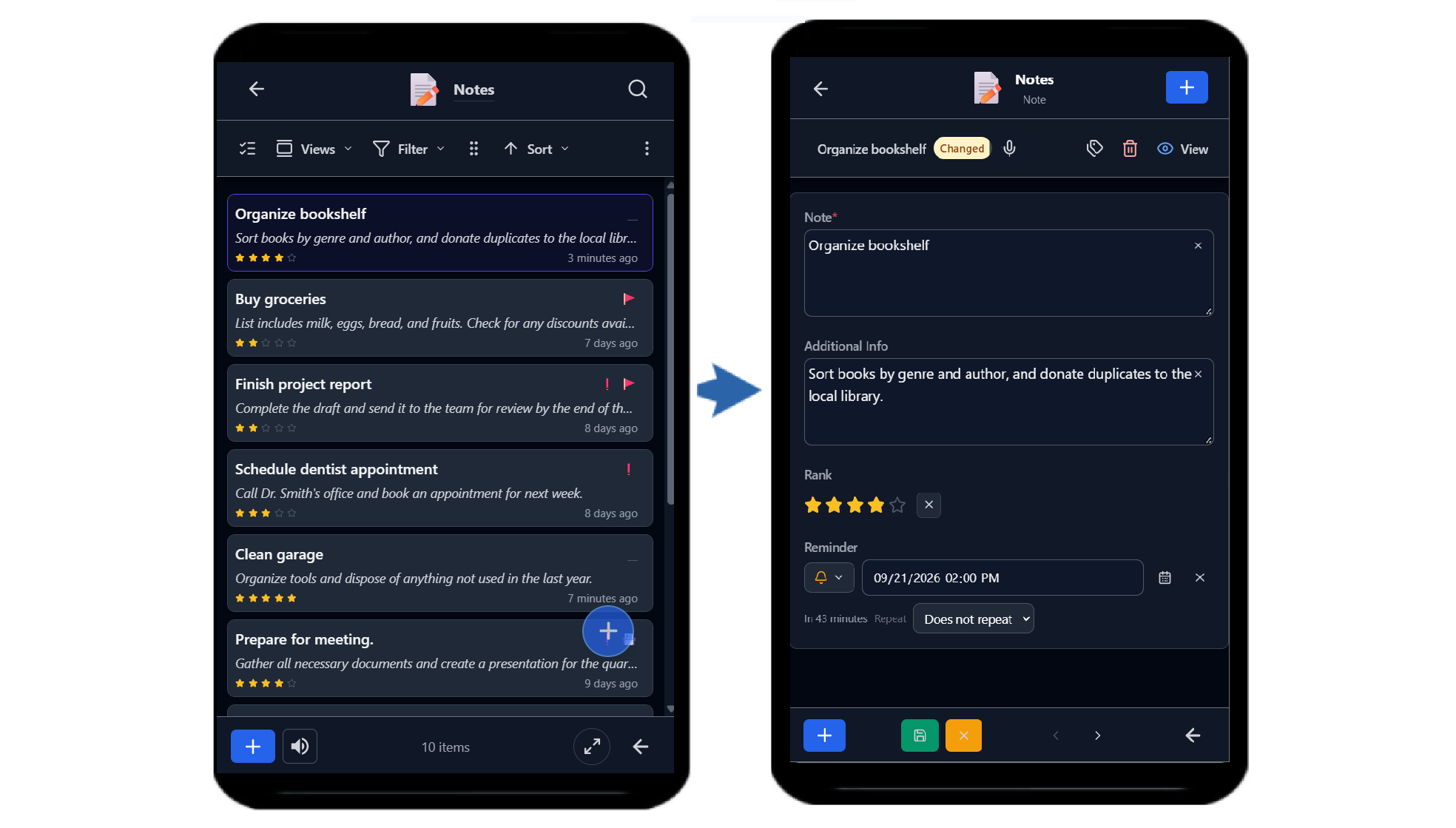
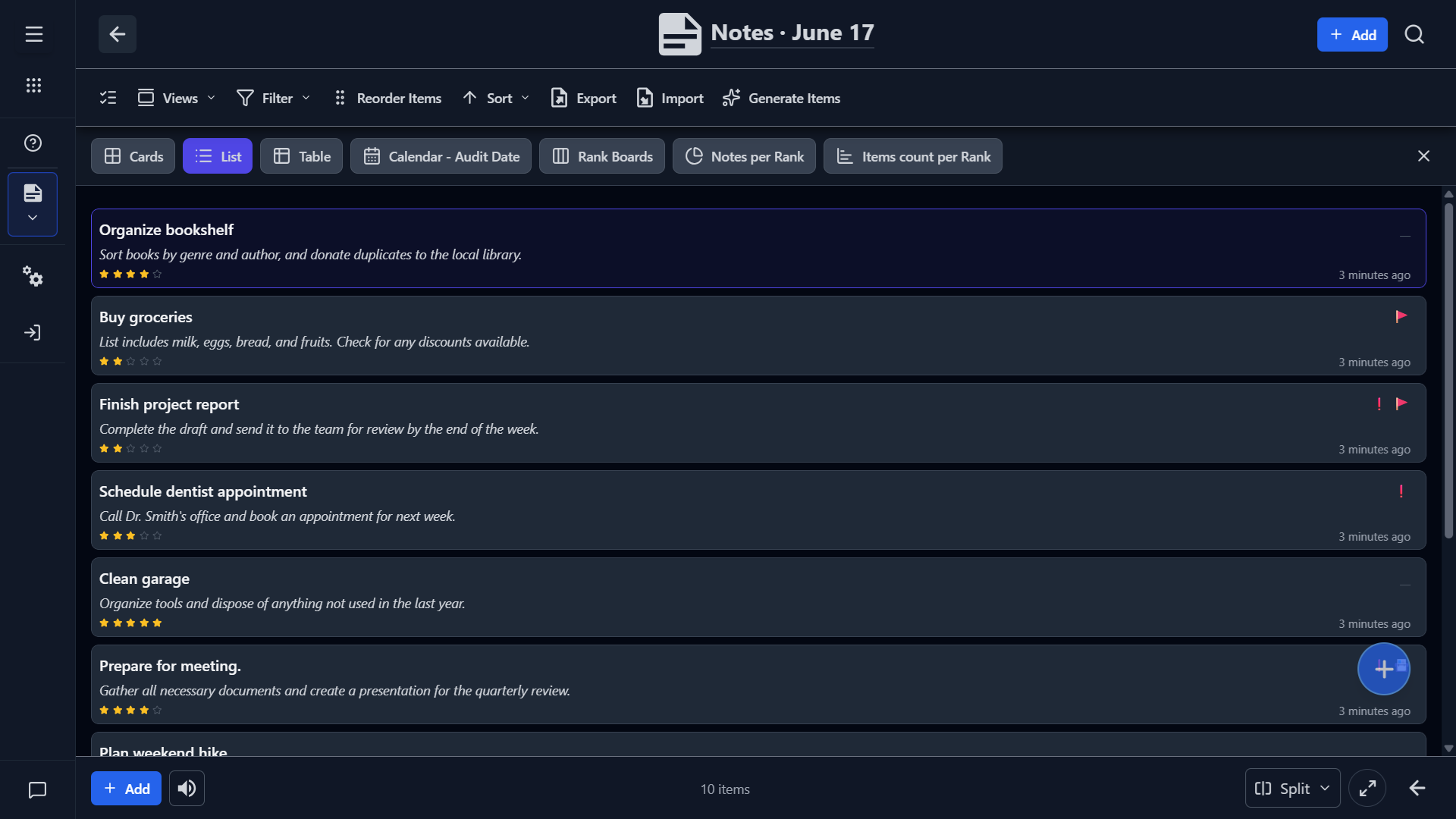
List
Use List for quick review and cleanup. It is useful when you want to move through entries rapidly, especially on smaller screens.
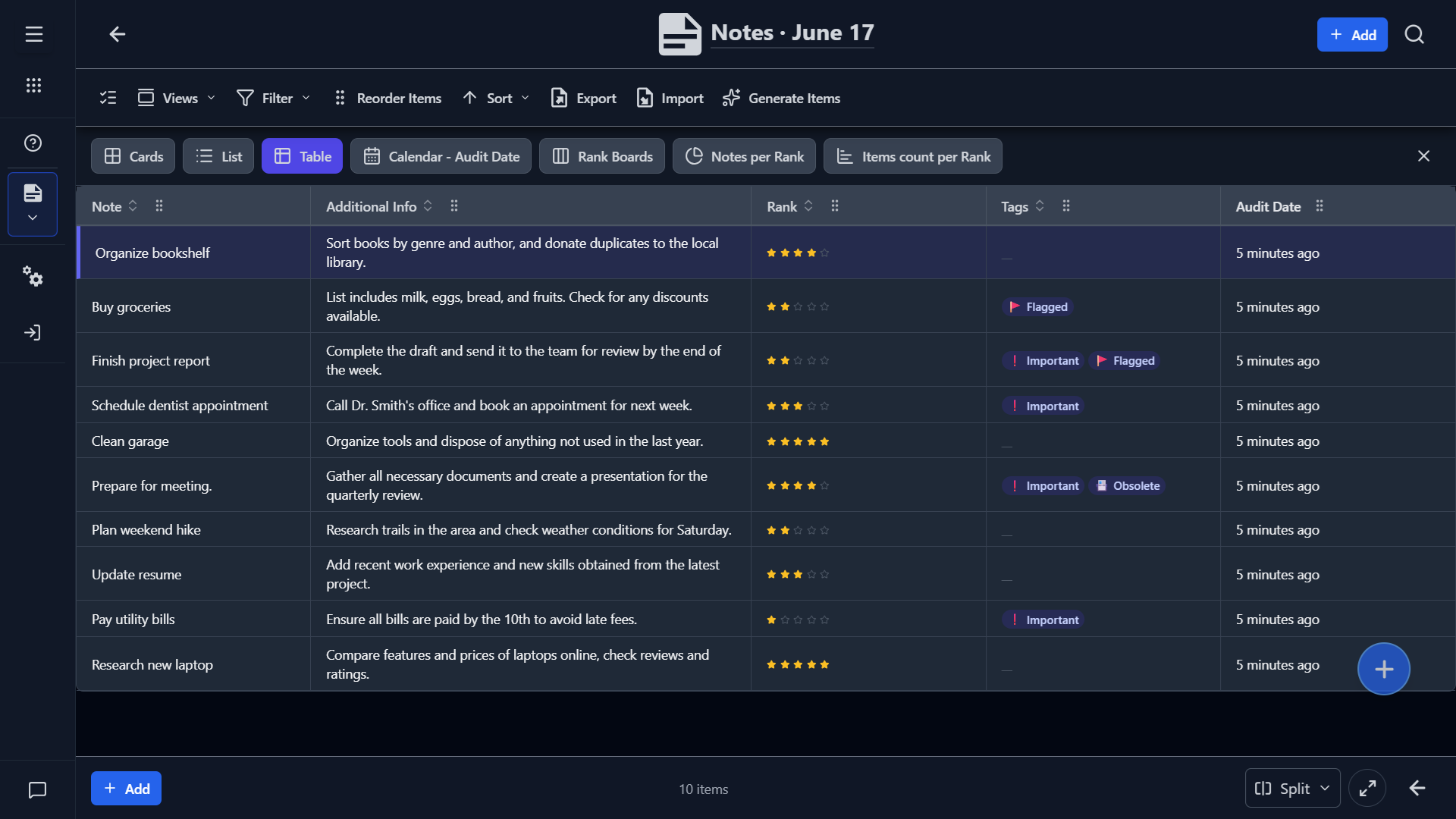
Table
Use Table when you want a denser, spreadsheet-like overview for sorting and comparing notes.
Optional Analytical Views
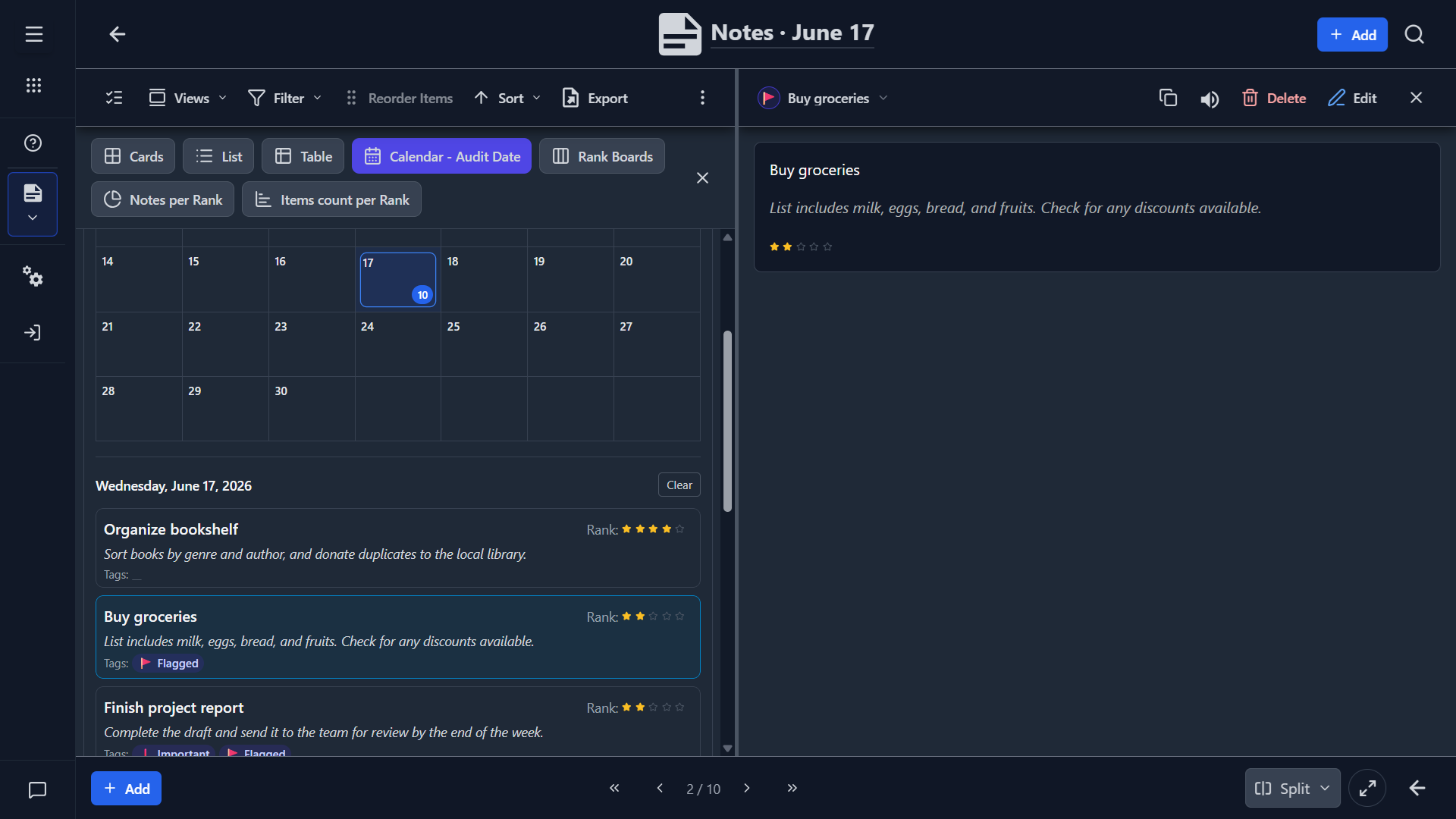
Depending on how you use ranking and audit dates, the template can also support:
- calendar-style review of note activity
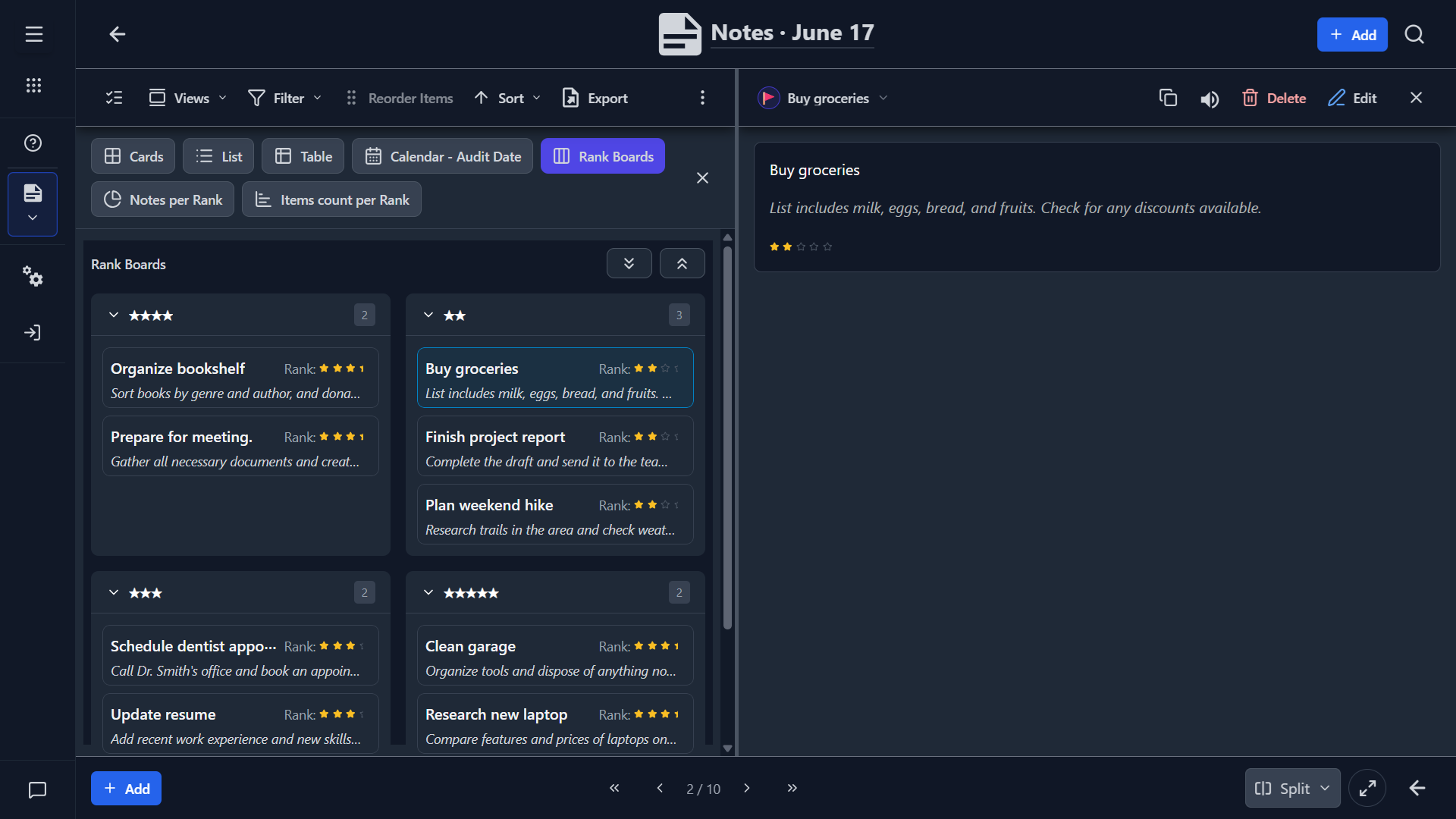
- kanban grouping by rank
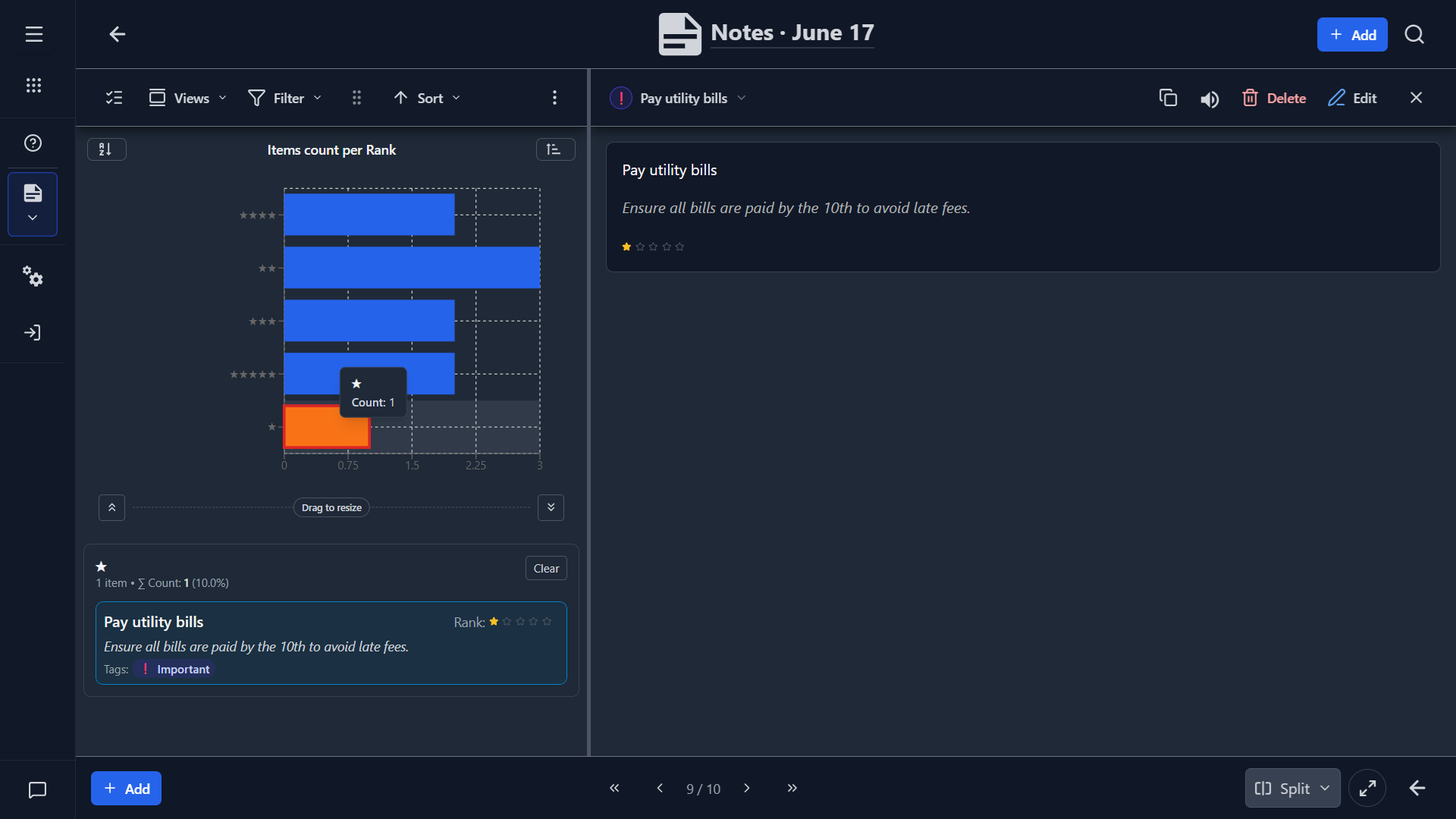
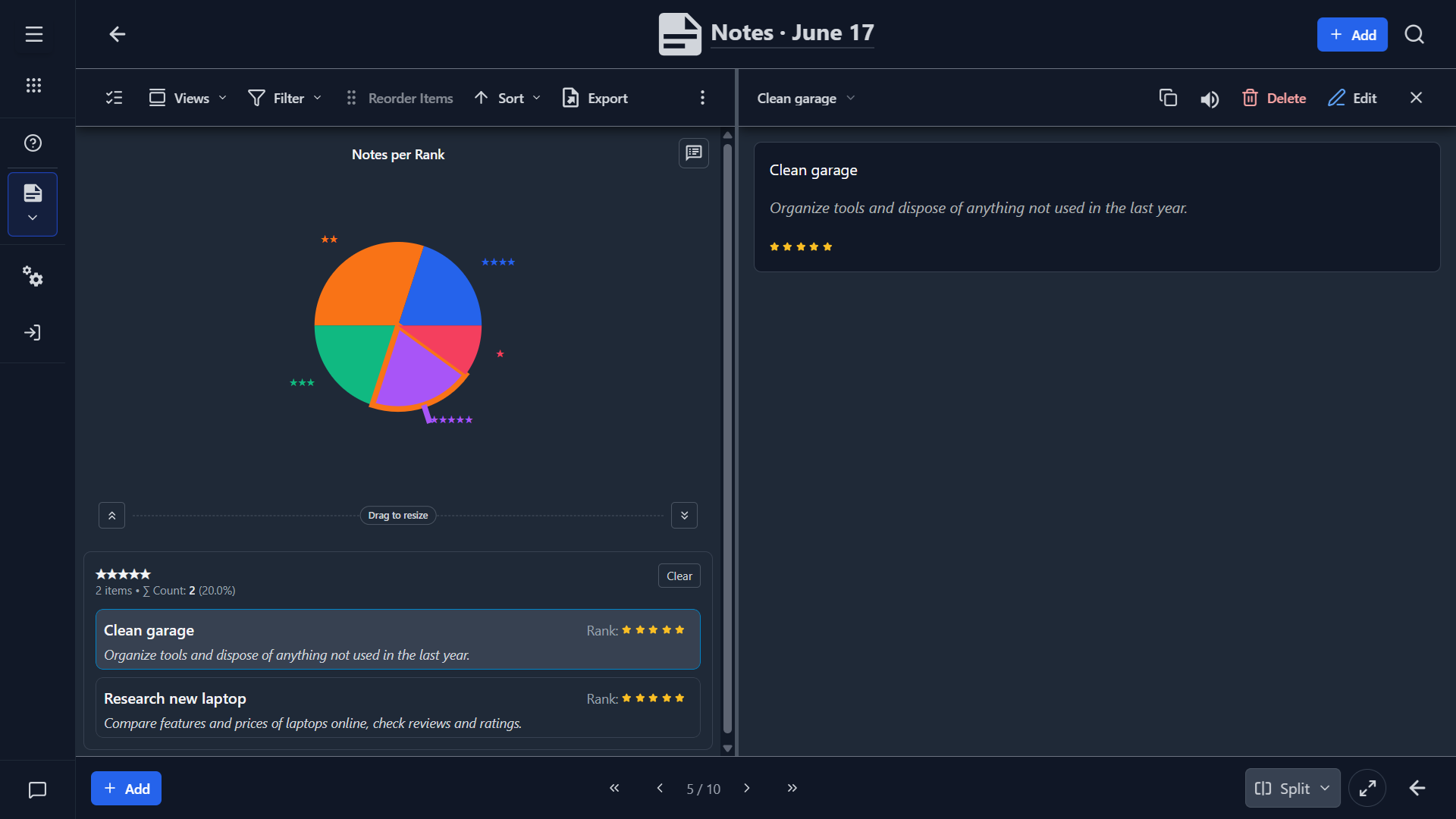
- simple charts such as note counts by rank
These views are most helpful once you have enough notes to benefit from pattern review.
Recommended Workflow
For most users, a practical workflow looks like this:
- Capture the note quickly.
- Add a short context line only when it helps later retrieval.
- Flag or rank the note if it should stand out.
- Review periodically in List or Table view.
- Archive, retag, or refine entries as your note collection grows.
The design favors fast capture first and organization second.
How To Customize It
Common customizations include:
- renaming fields to match your vocabulary
- adding a date field for follow-up or review schedules
- adding a category or topic field
- adding attachments or links
- replacing rank with status or urgency labels
- simplifying the views if you only want one primary layout
If your notes start to fall into distinct types, consider adding fields that reflect those types rather than overloading the note text itself.
Good Practices
- Keep the main note field short and clear when possible.
- Use Additional Info for context, not for duplicating the note.
- Decide early what Rank means so entries stay consistent.
- Use tags sparingly so flagged items remain meaningful.
- Review and clean up old notes regularly to keep search useful.
Summary
Choose the Notes template when you want a lightweight note repository that is fast to capture into, easy to search, and simple to adapt into your own personal knowledge or reminder system.
🎥 Watch the Notes app video