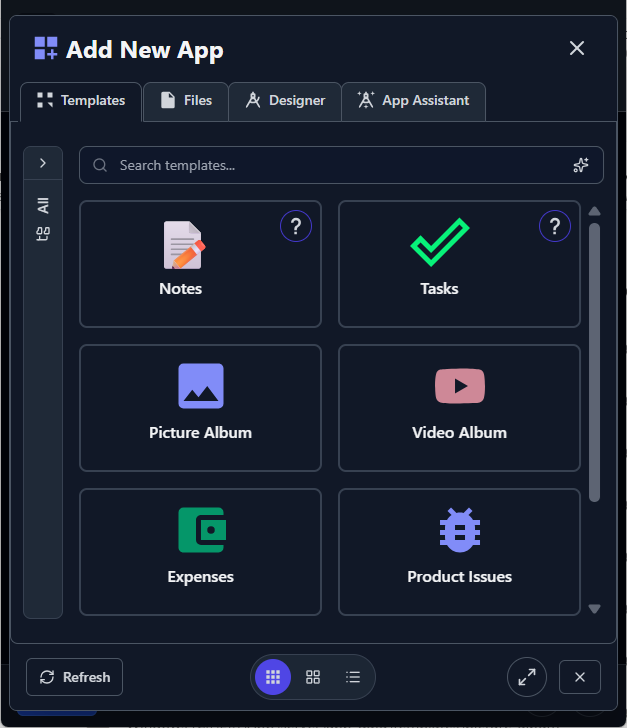
Start with what you already have
Bring in a spreadsheet file and turn rows of information into a focused, searchable app. Or simply start with an app template.
 Lixcel
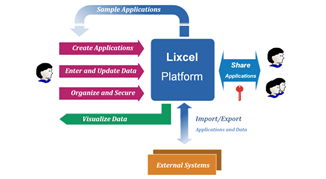
Lixcel is a simple application builder that turns notes, spreadsheets, and everyday personal or business data into custom apps. Start with a template, import an Excel file, or describe what you need and let the AI App Assistant build it for you.
Start freeNo codingNo account required
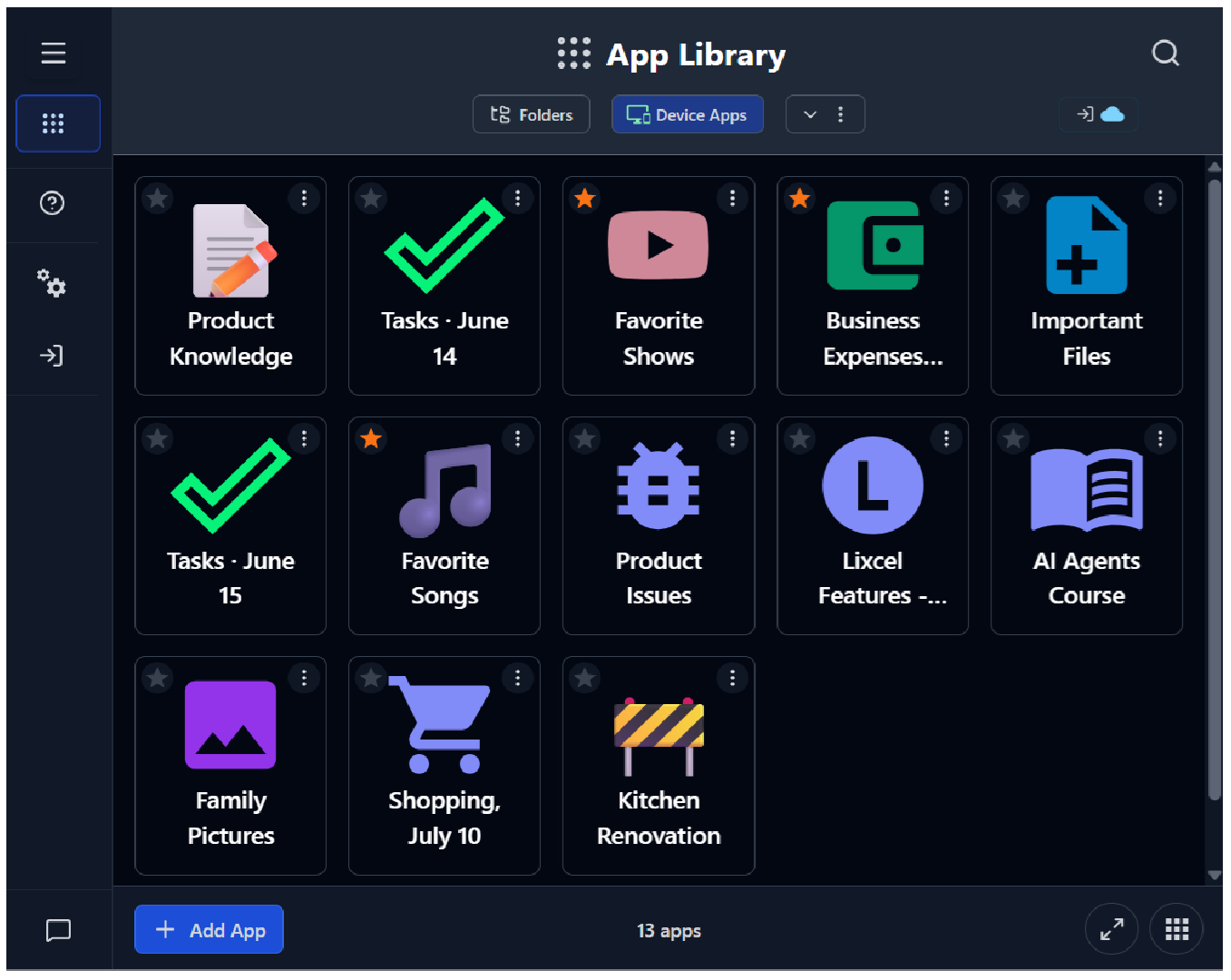
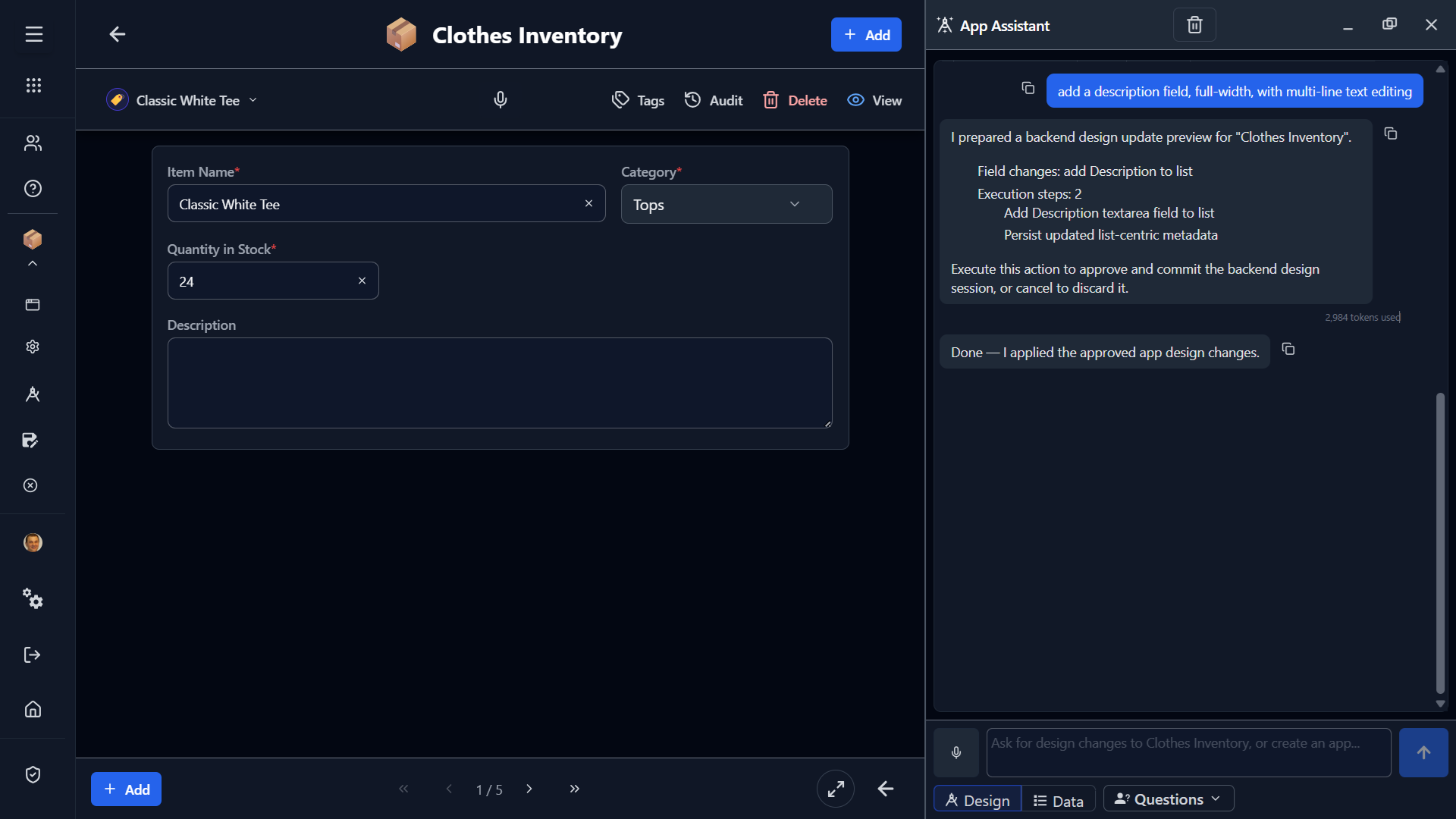
Explore examples of the ready-made apps you can start with and adapt to your work.
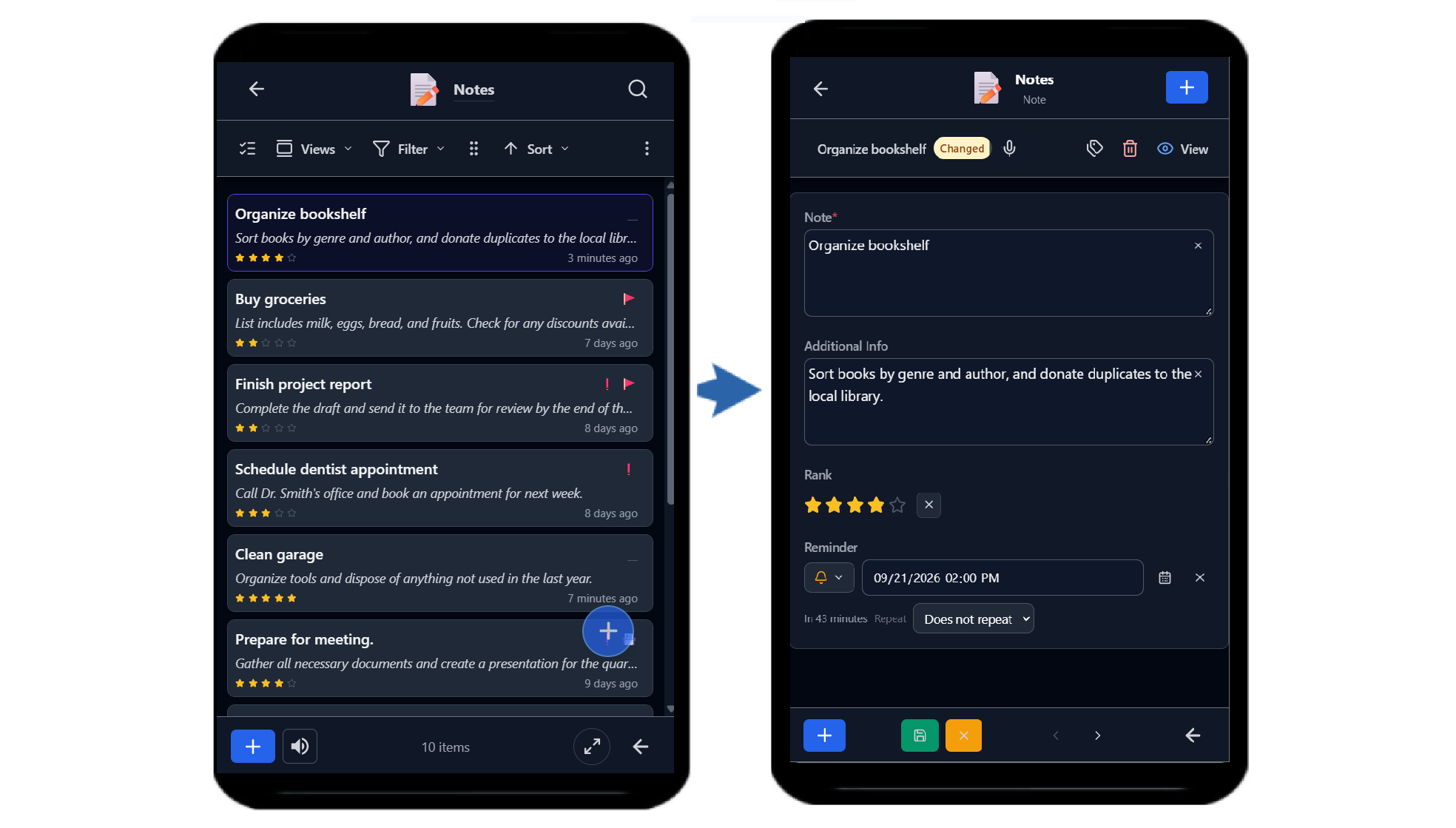
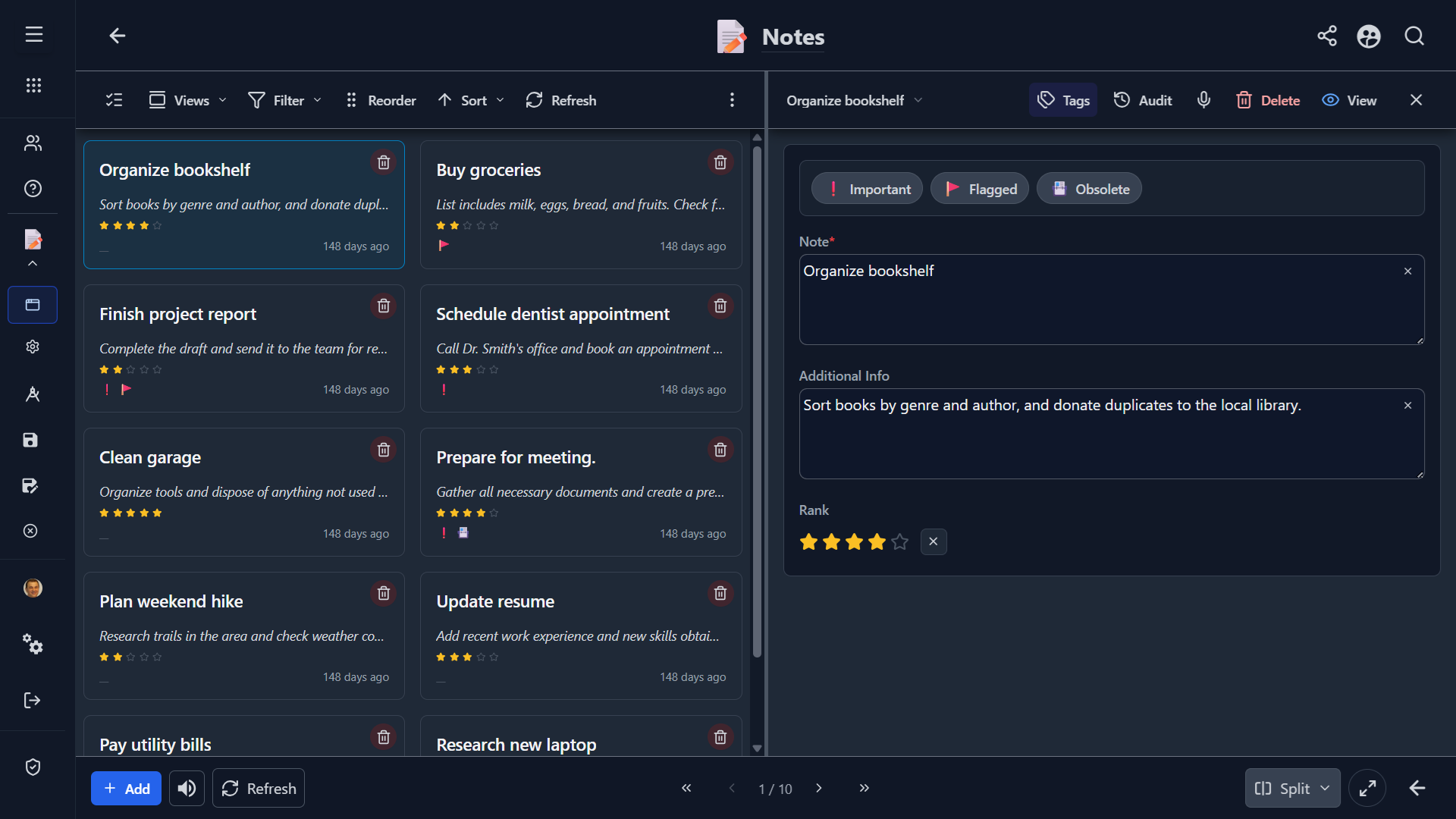
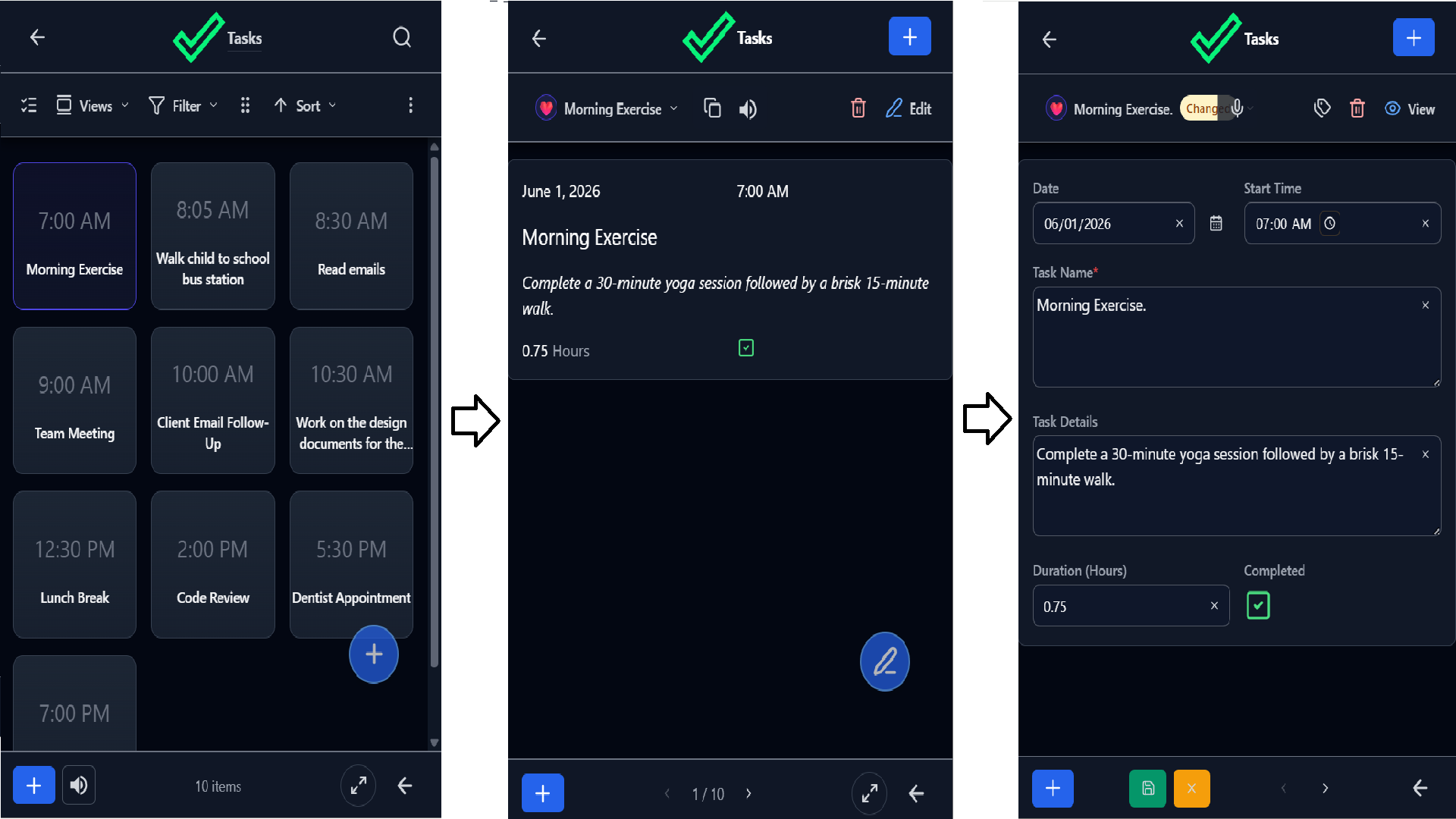
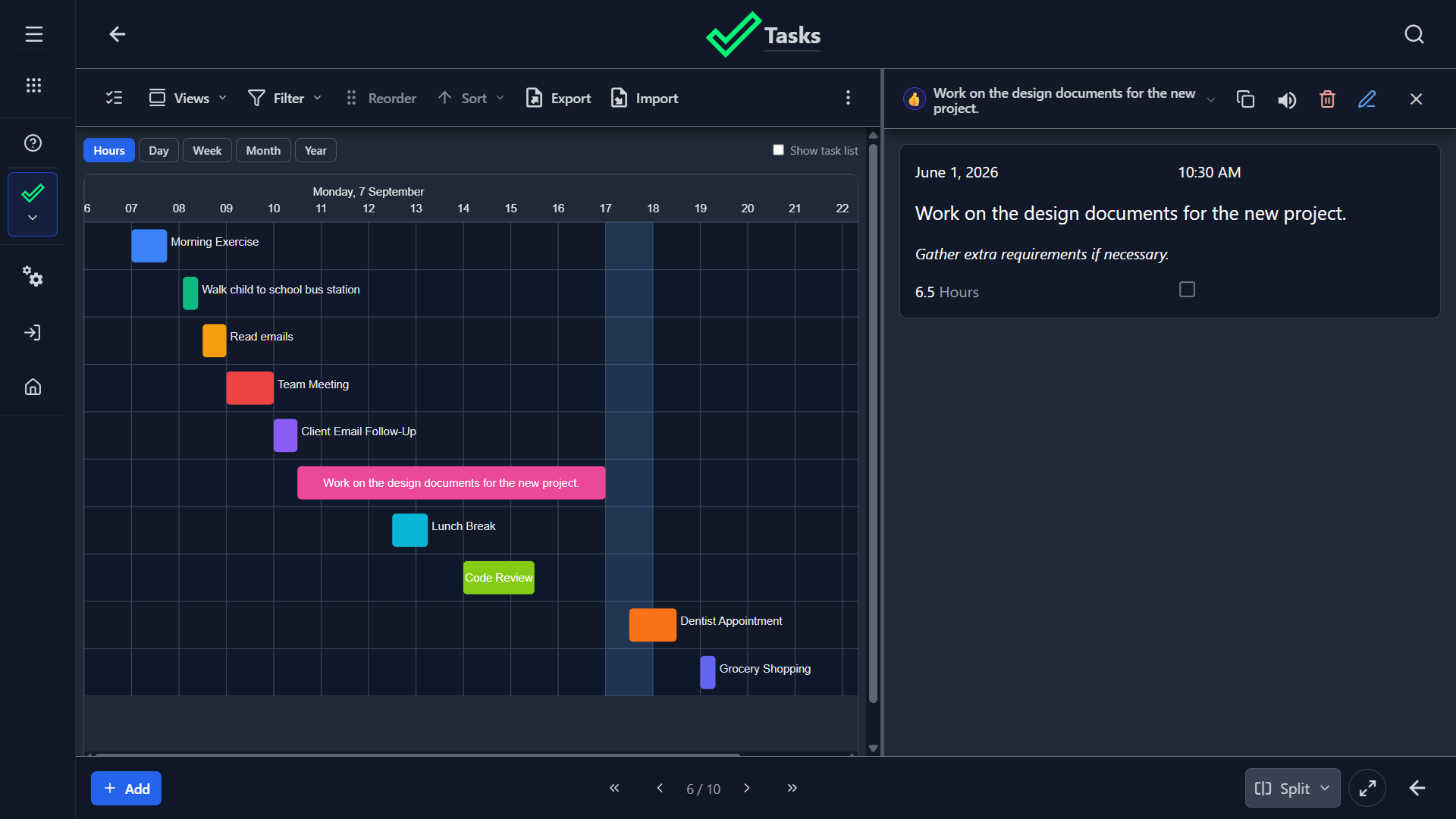
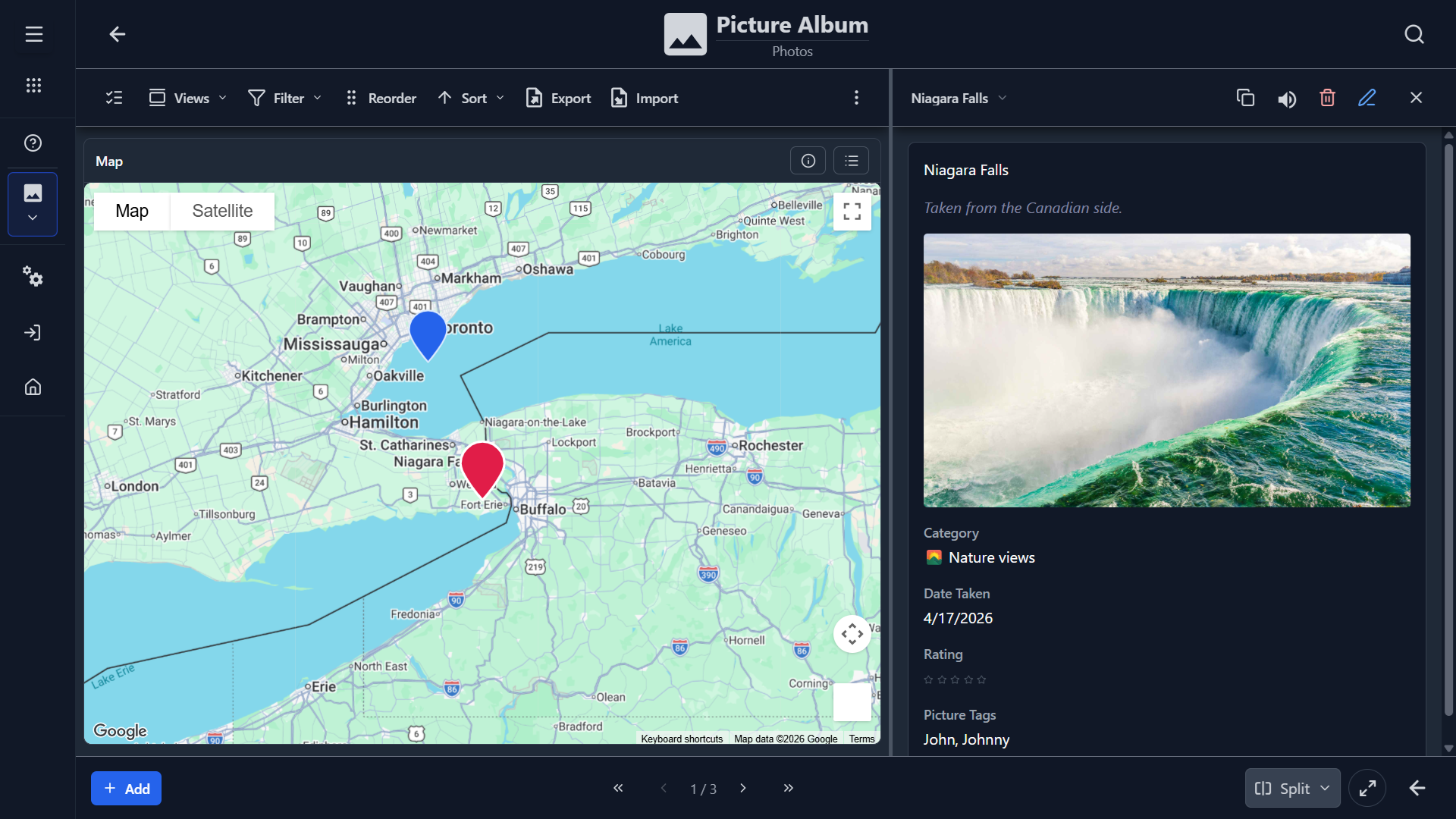
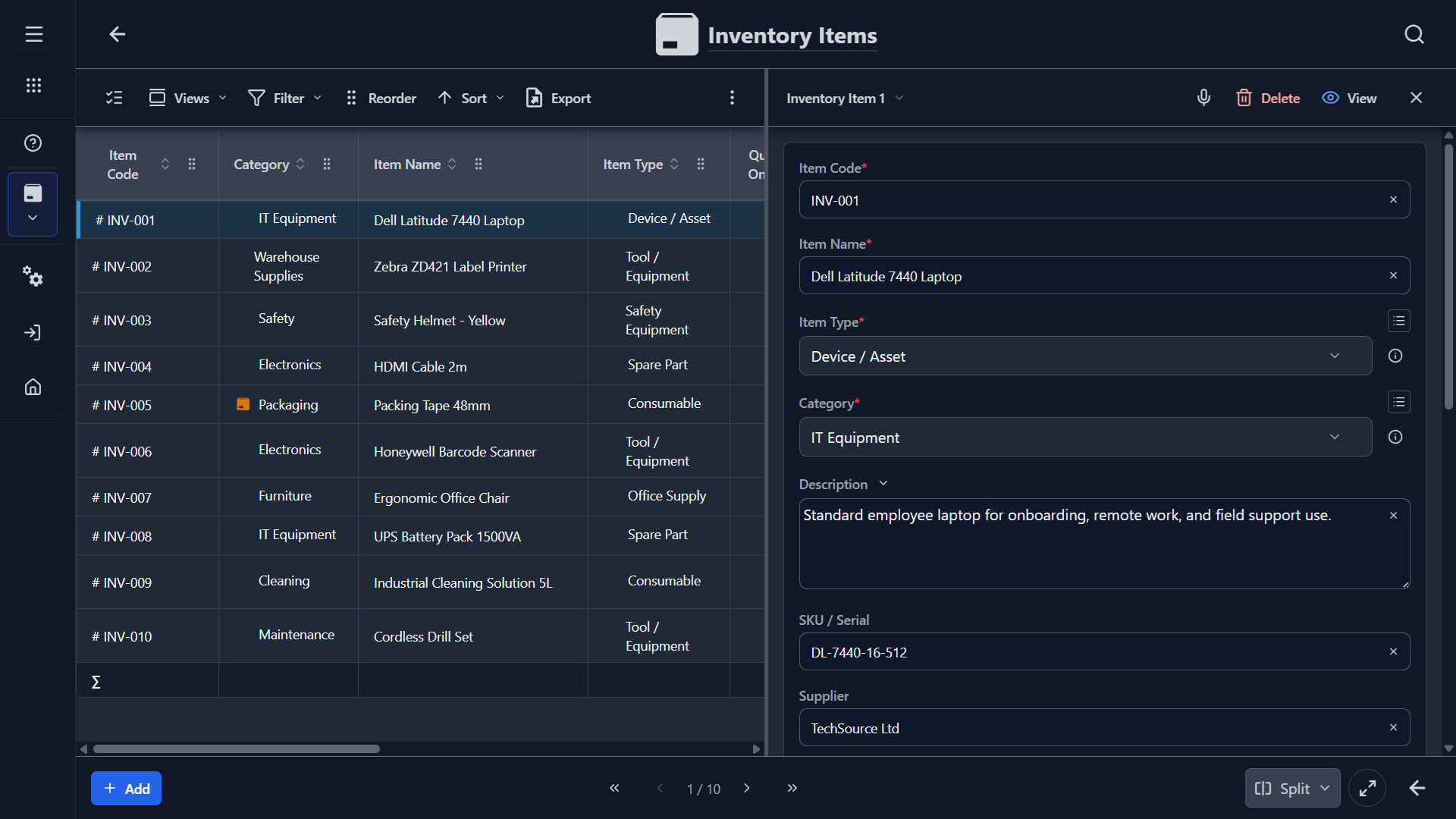
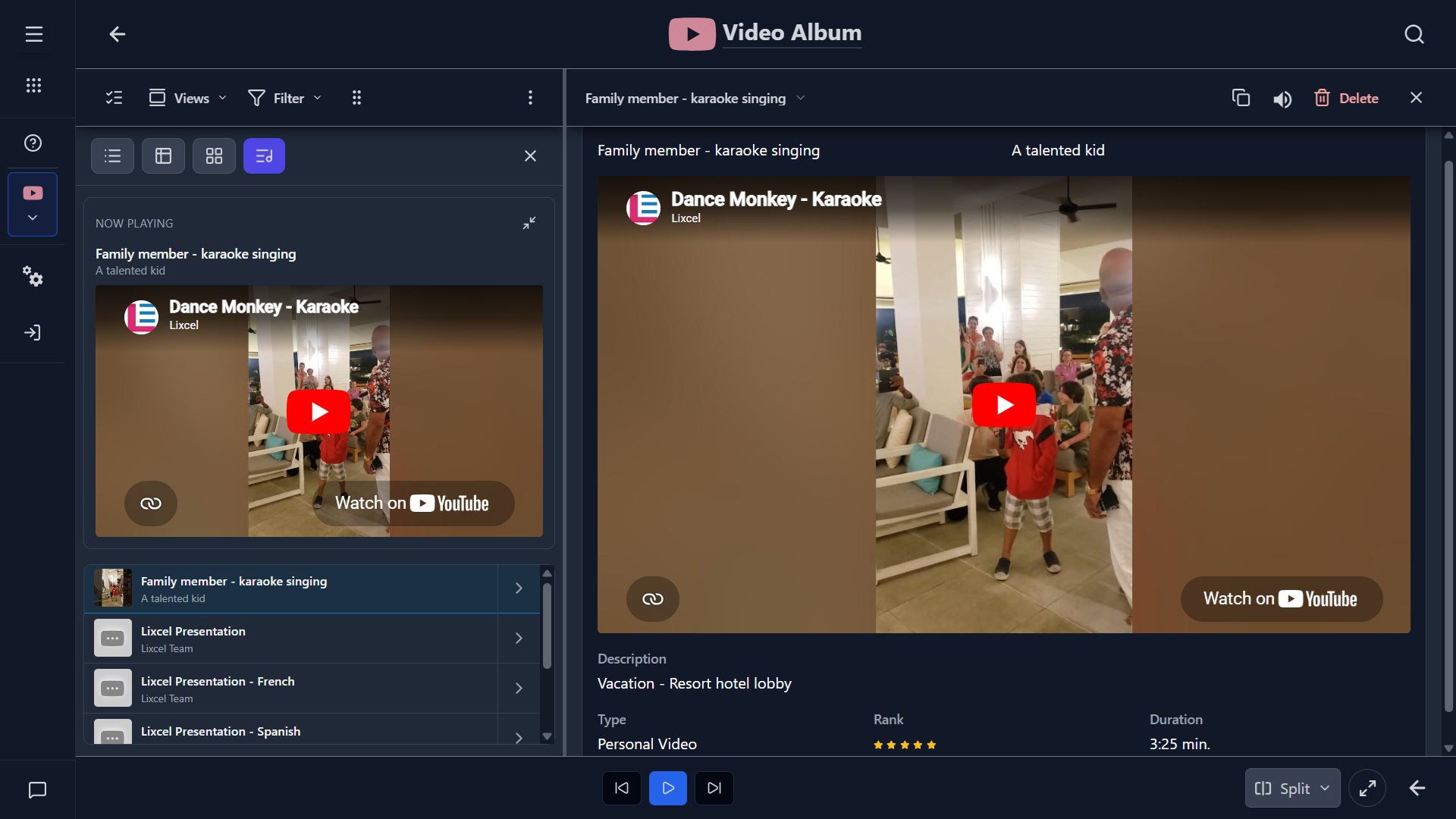
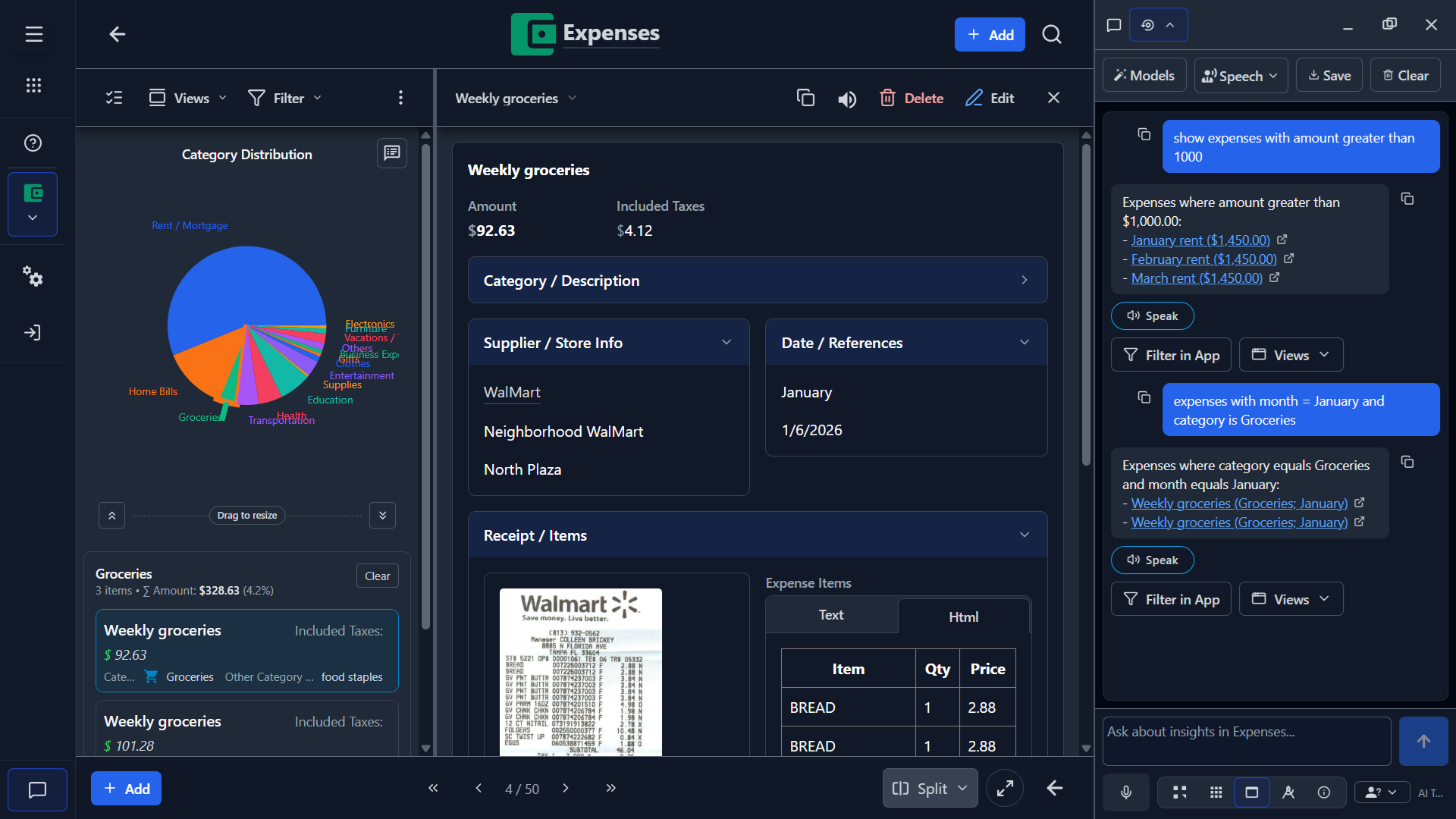
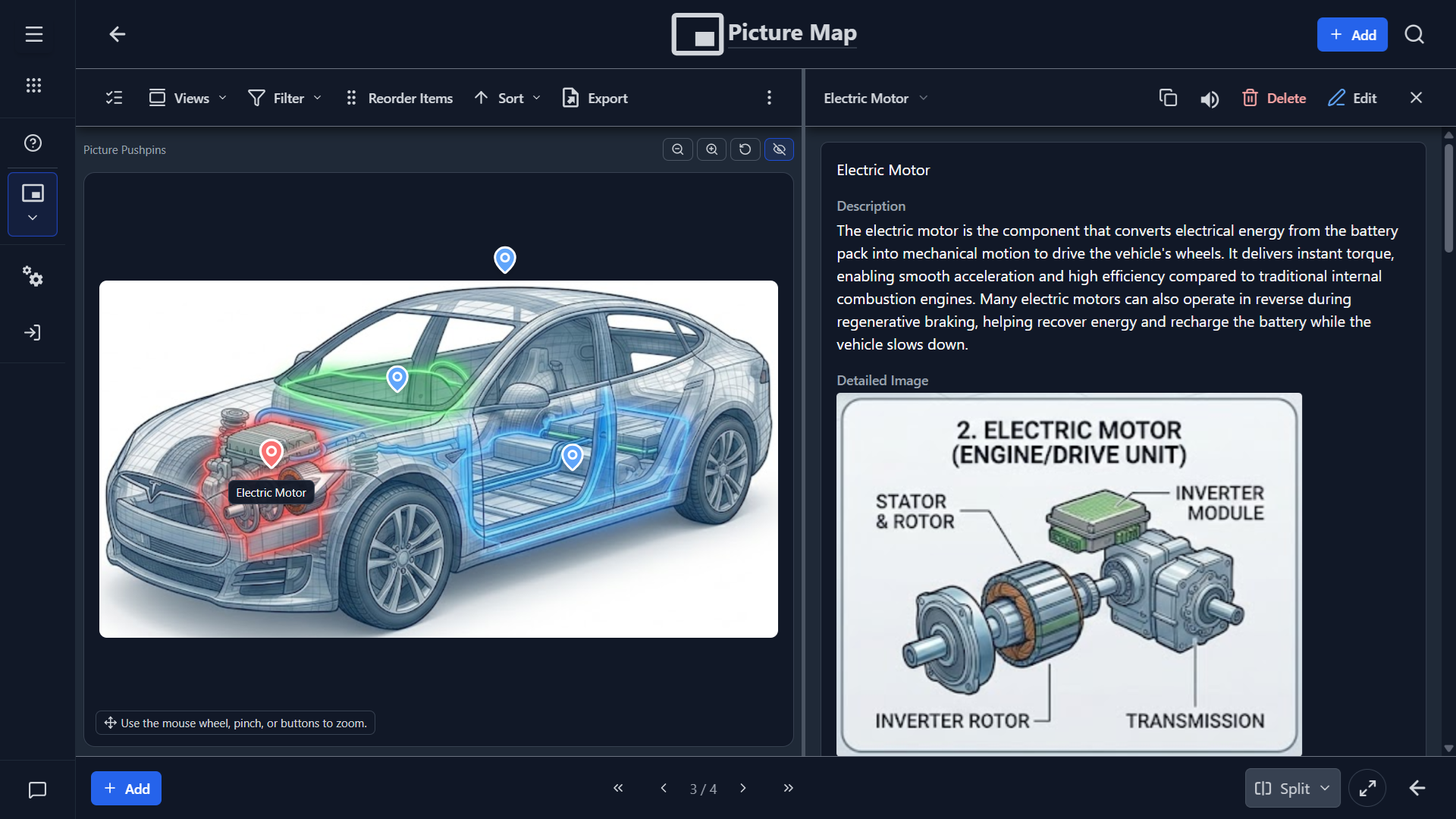
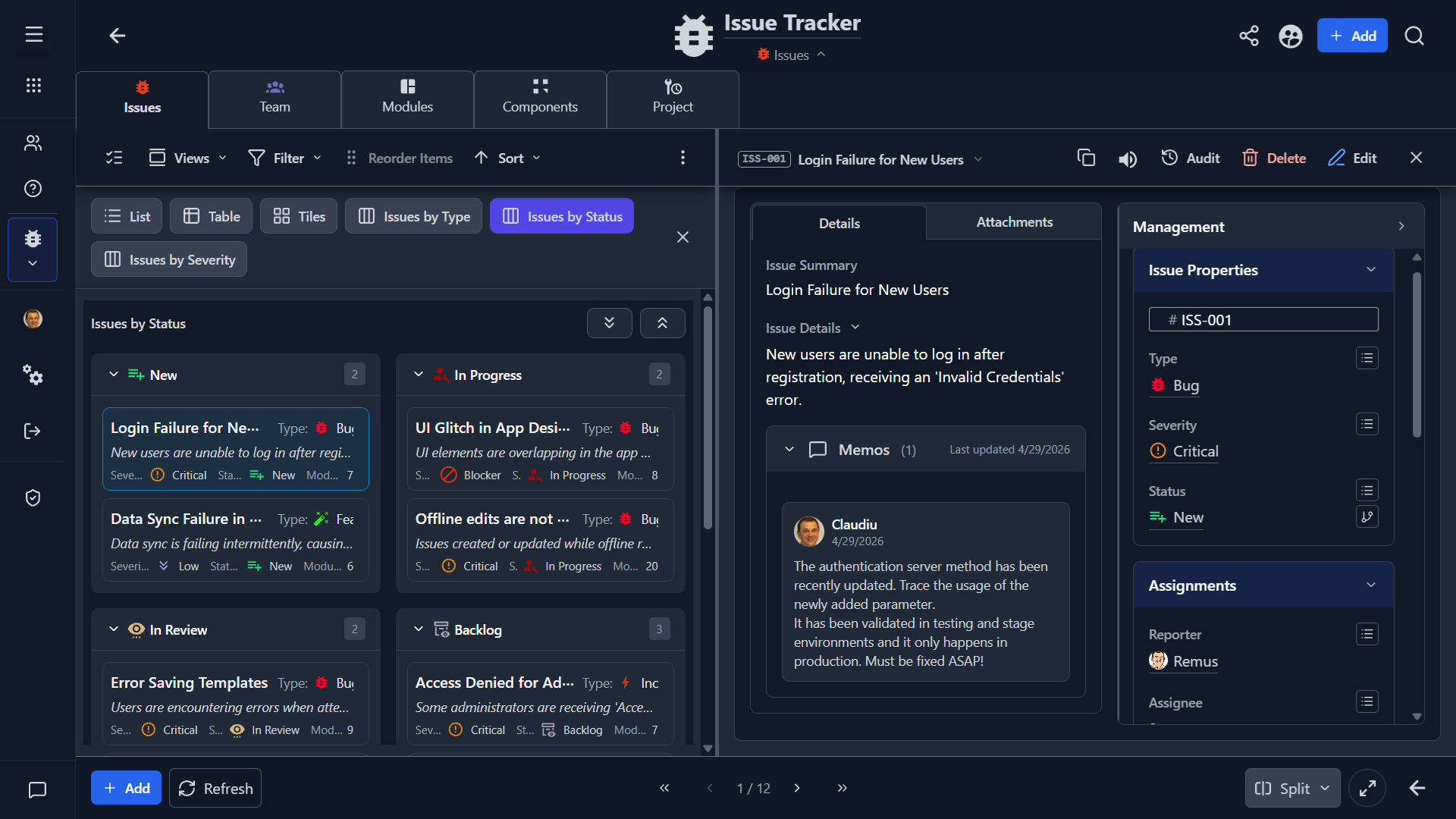
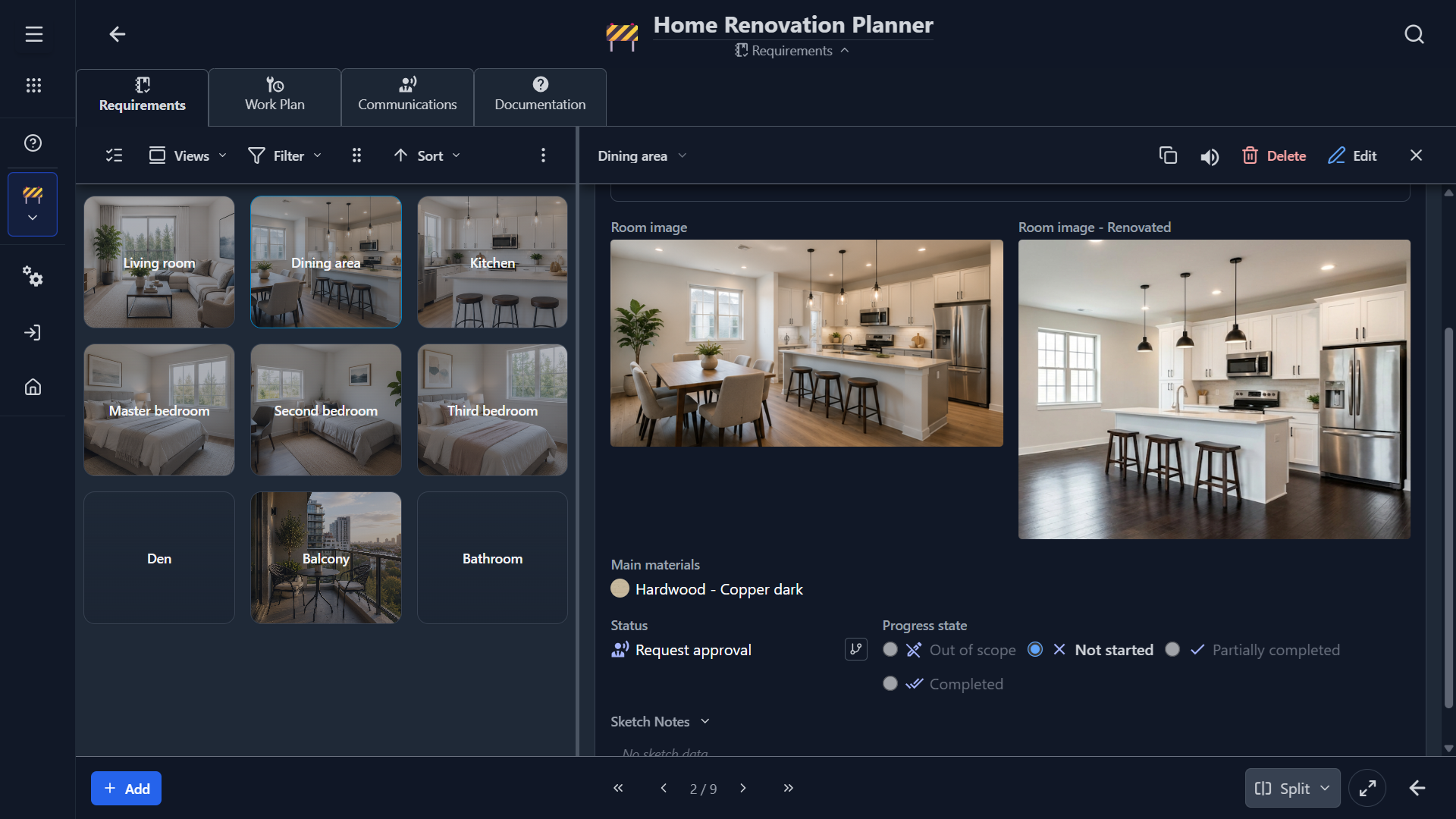
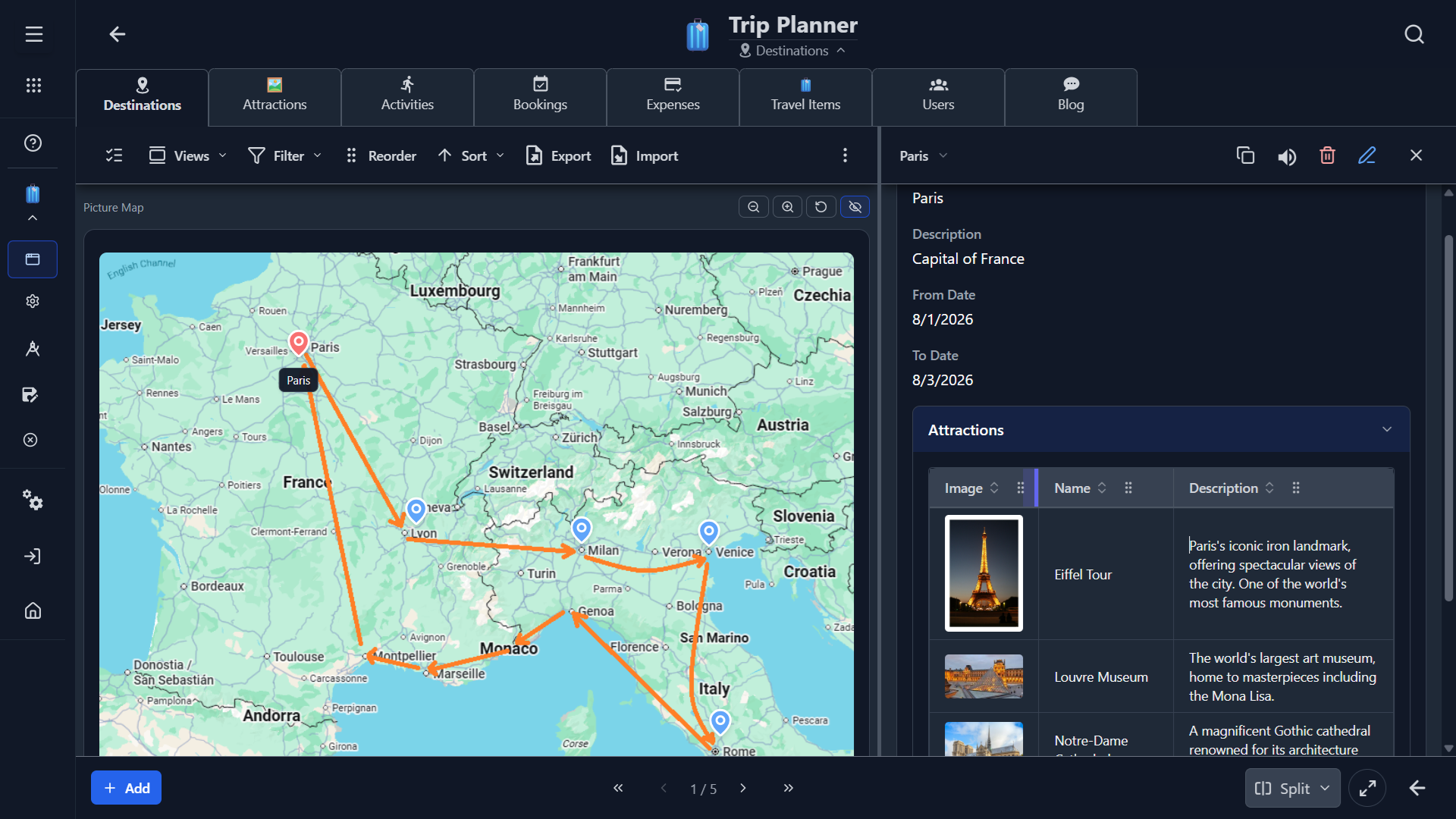
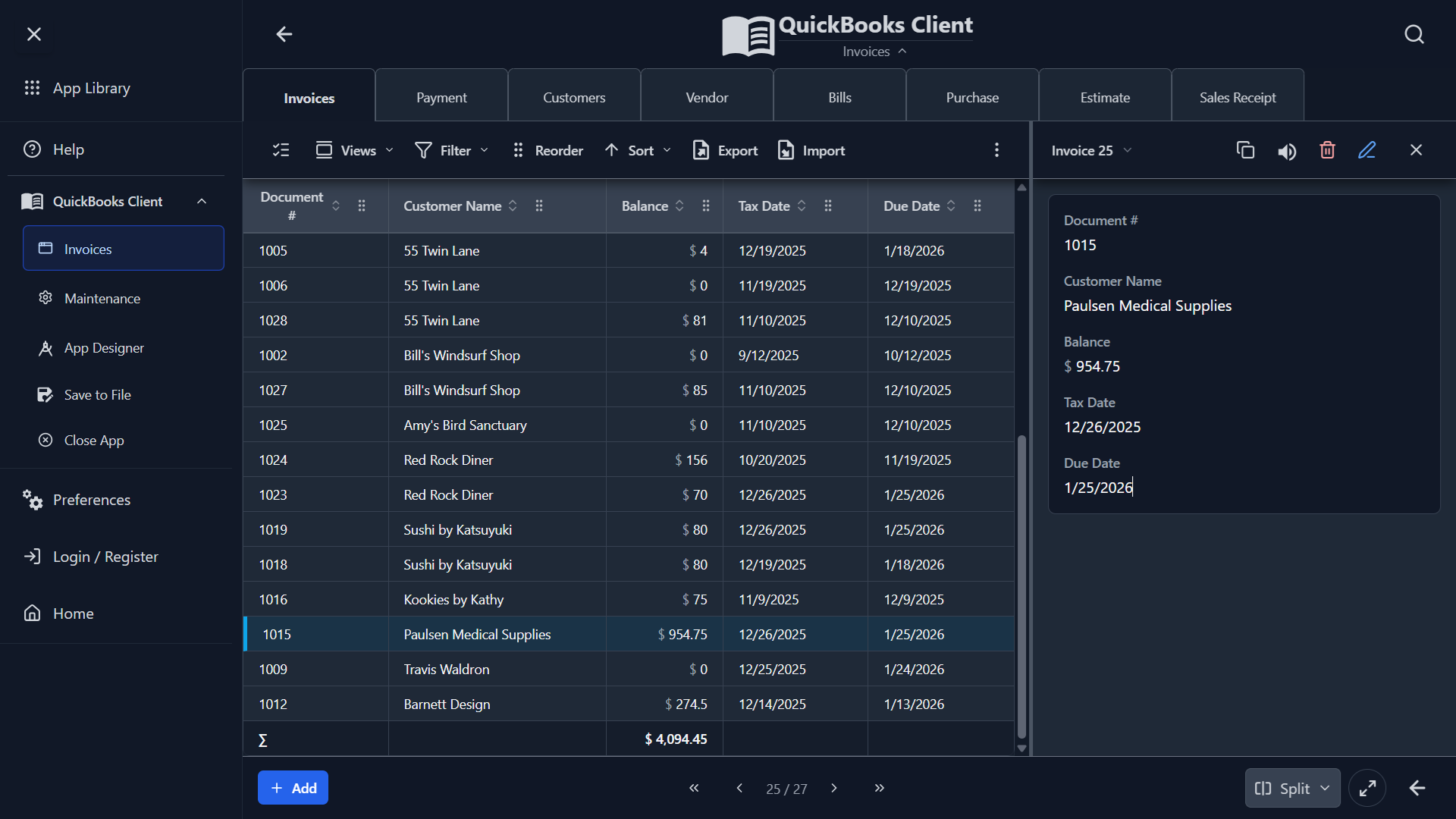
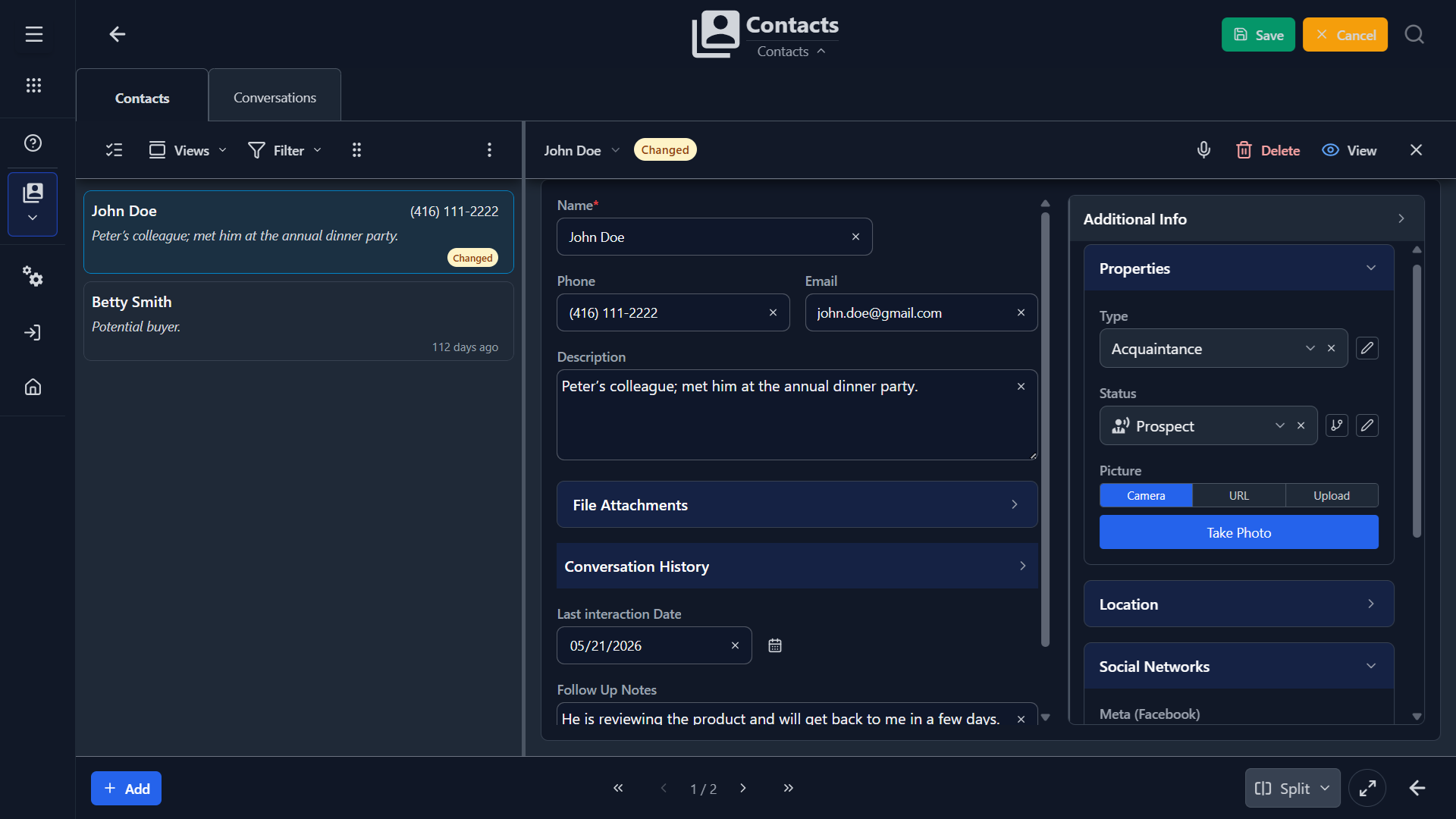
Lixcel is for individuals and small teams who have outgrown scattered information and spreadsheets but don’t need a custom-built application. Turn the data you already have into flexible apps, customize them to fit your needs, and keep working with them in Lixcel.
Bring in a spreadsheet file and turn rows of information into a focused, searchable app. Or simply start with an app template.
Optionally customize your apps and add data for inventory, expenses, projects, notes, contacts, or the process unique to you.
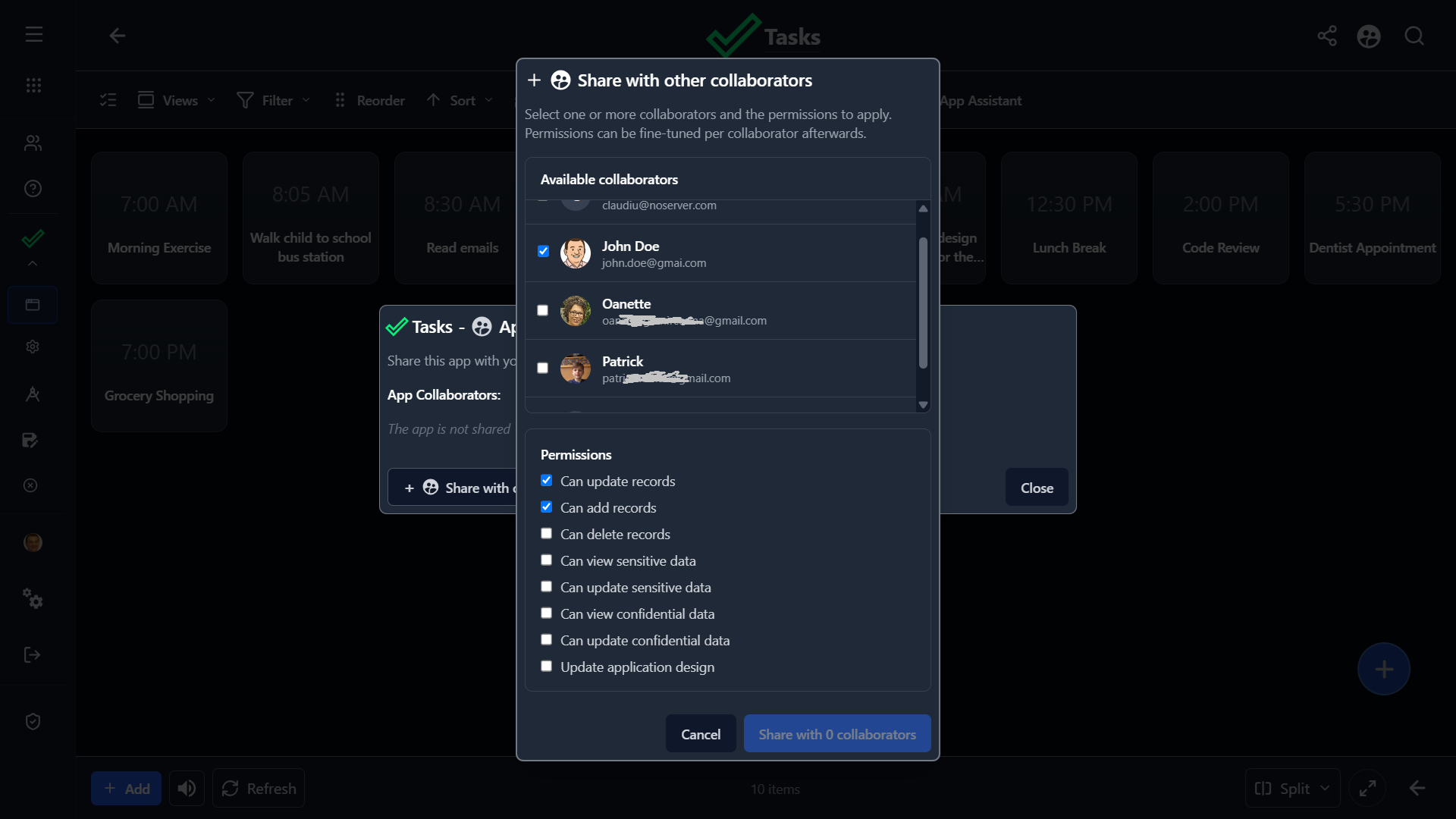
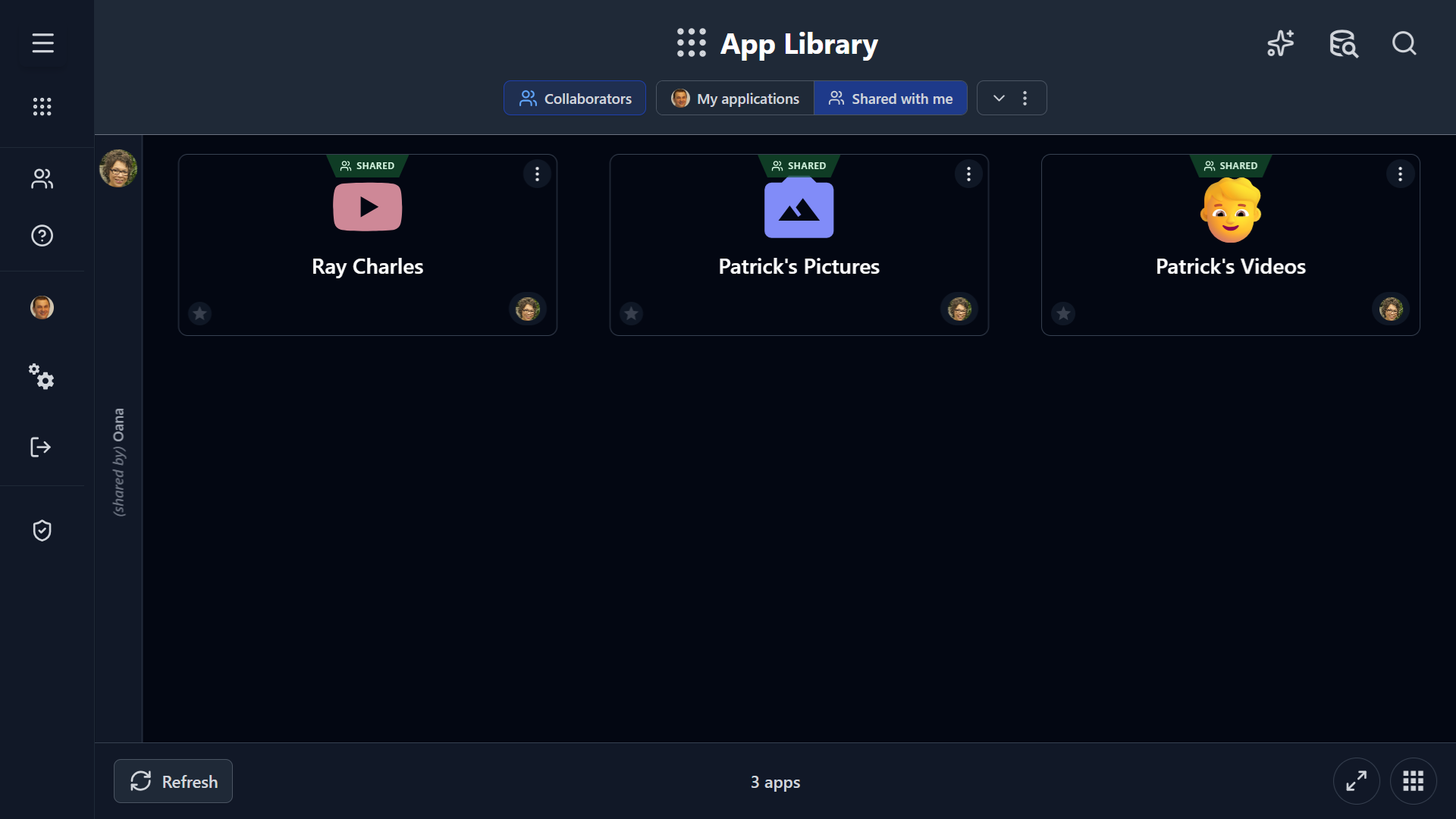
Keep personal apps private or share selected apps with collaborators and teammates using permission-based access.
Learn one Lixcel app and you’ll quickly feel at home in the others. Familiar menus, buttons, navigation, views, and filters make it easy to get around, while every app adapts to any screen—from phone to desktop.
Lixcel offers a growing collection of ready-to-use apps across a variety of domains, providing a structured starting point for managing different types of information.
If you cannot find a perfect template for your needs, the App Assistant can design and build a working app from a simple description - in just a minute or two.
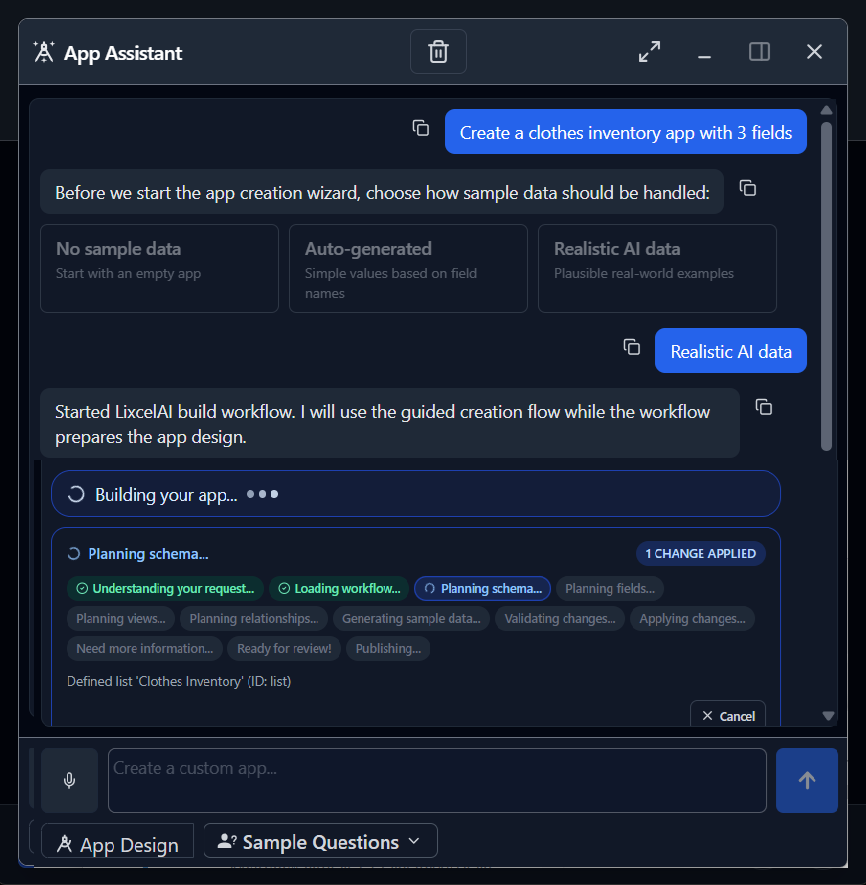
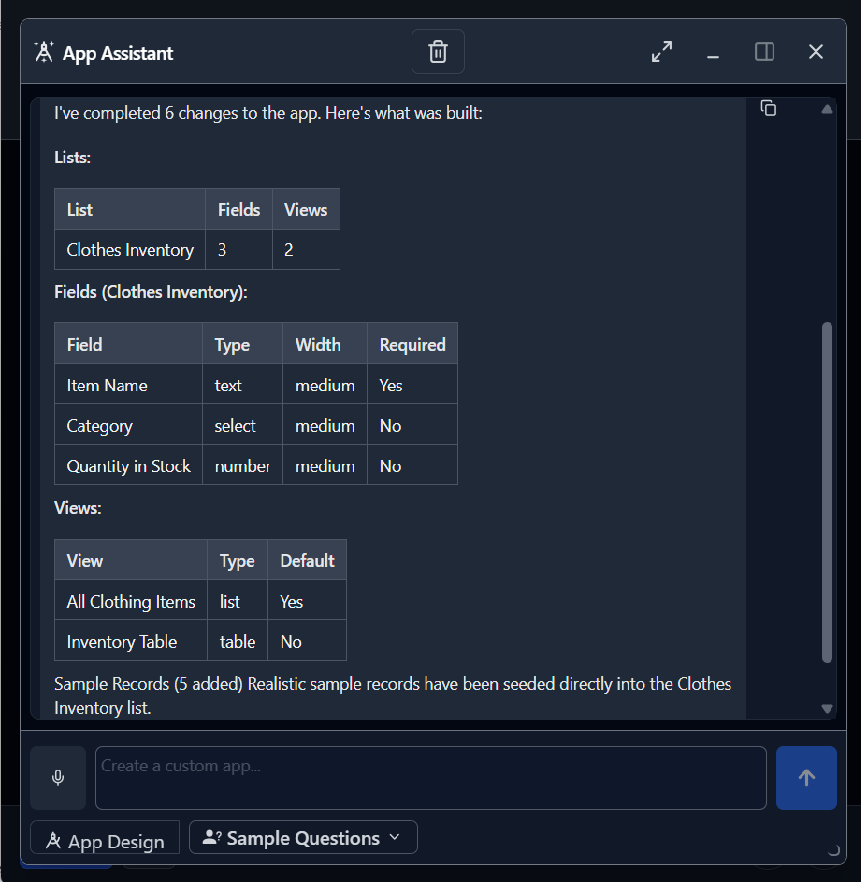
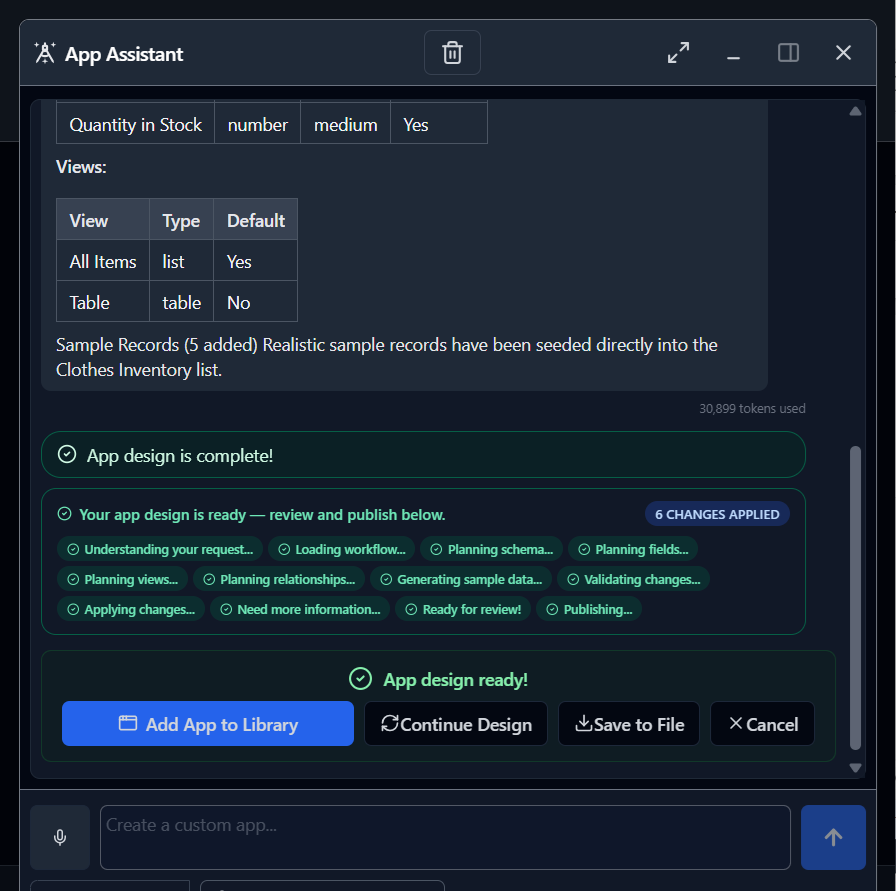
“Create a clothes inventory app”
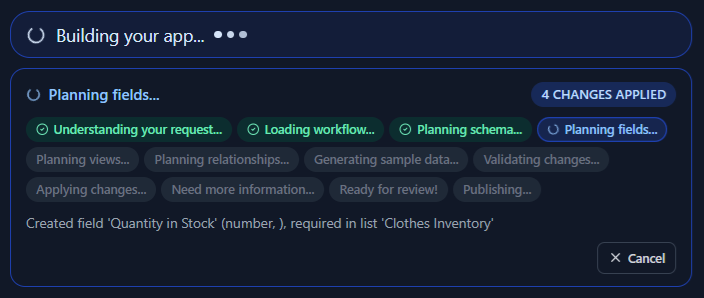
Follow the App Assistant as it turns the prompt into a working clothes inventory app.
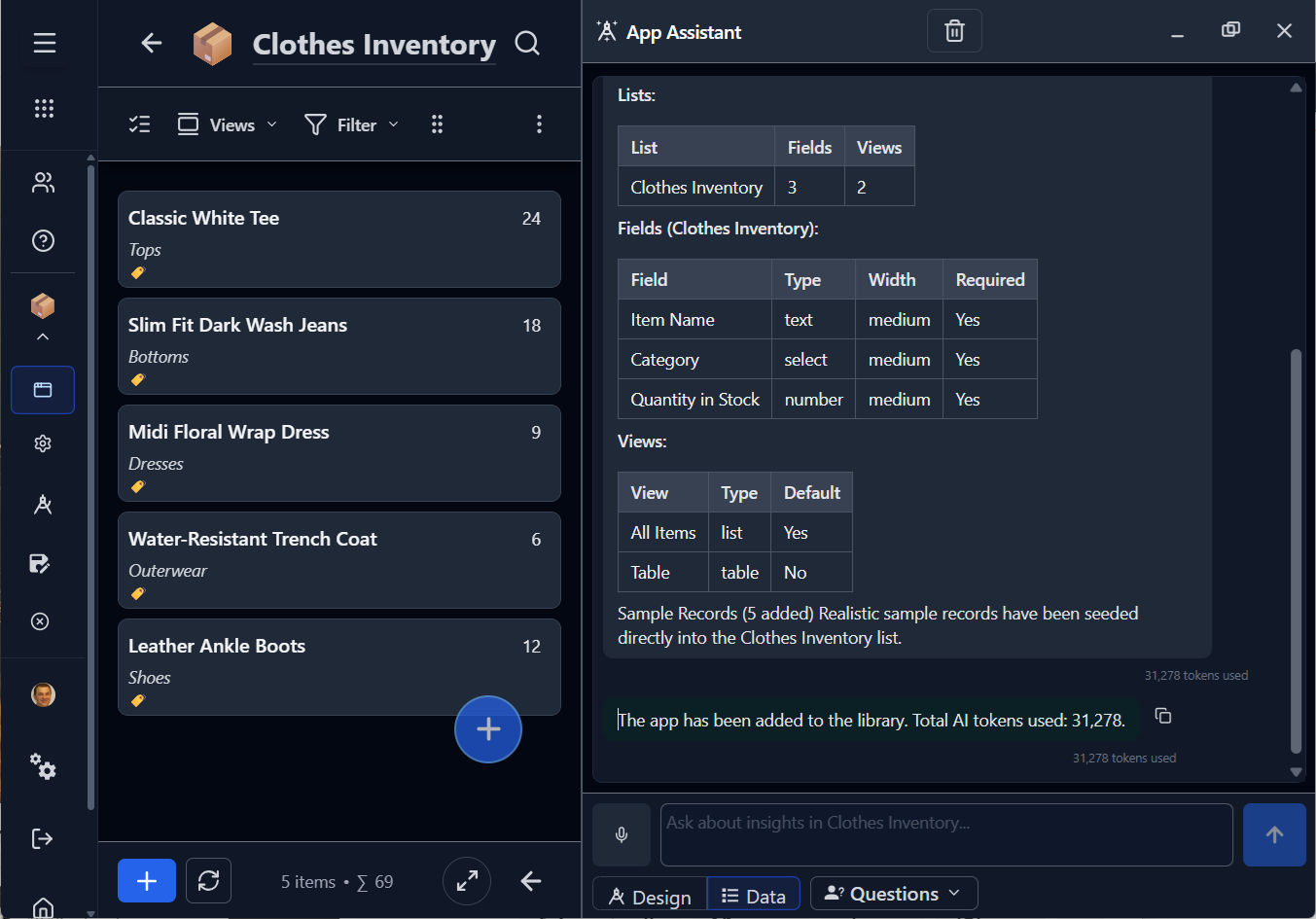
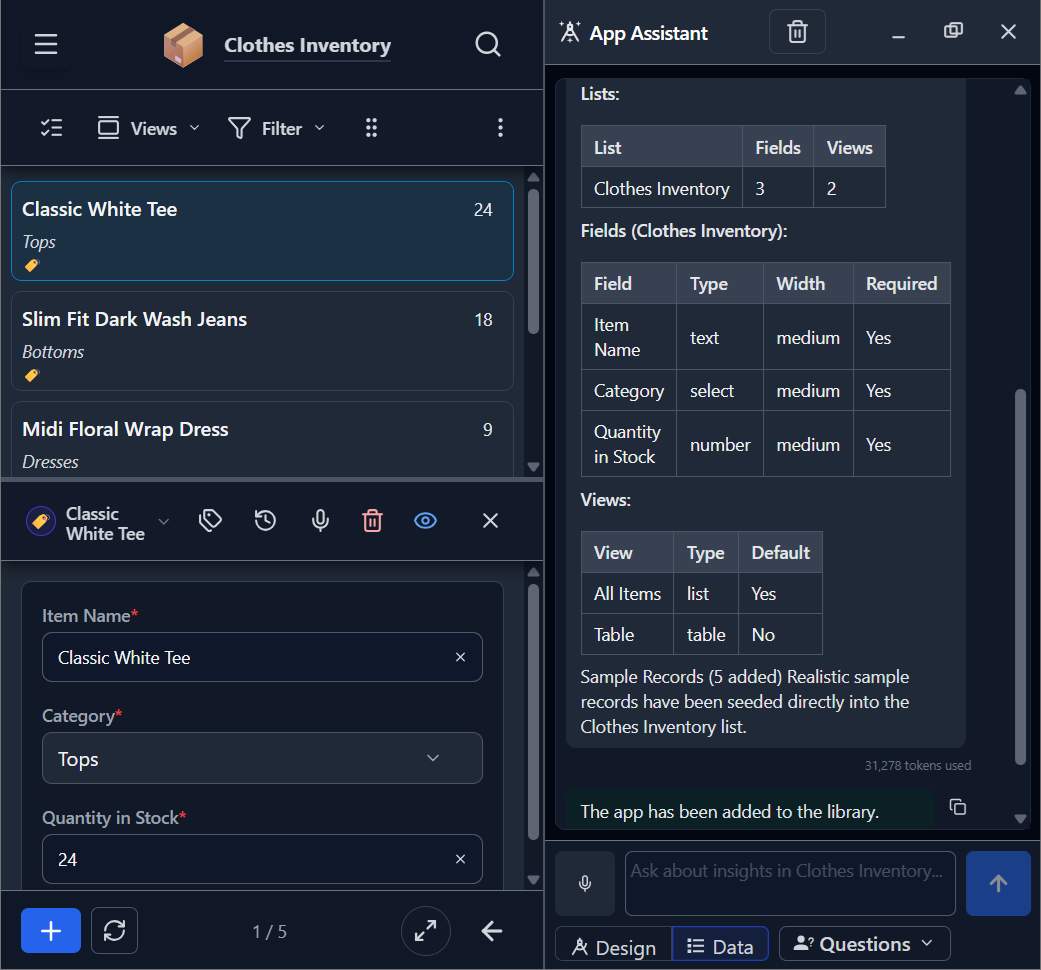
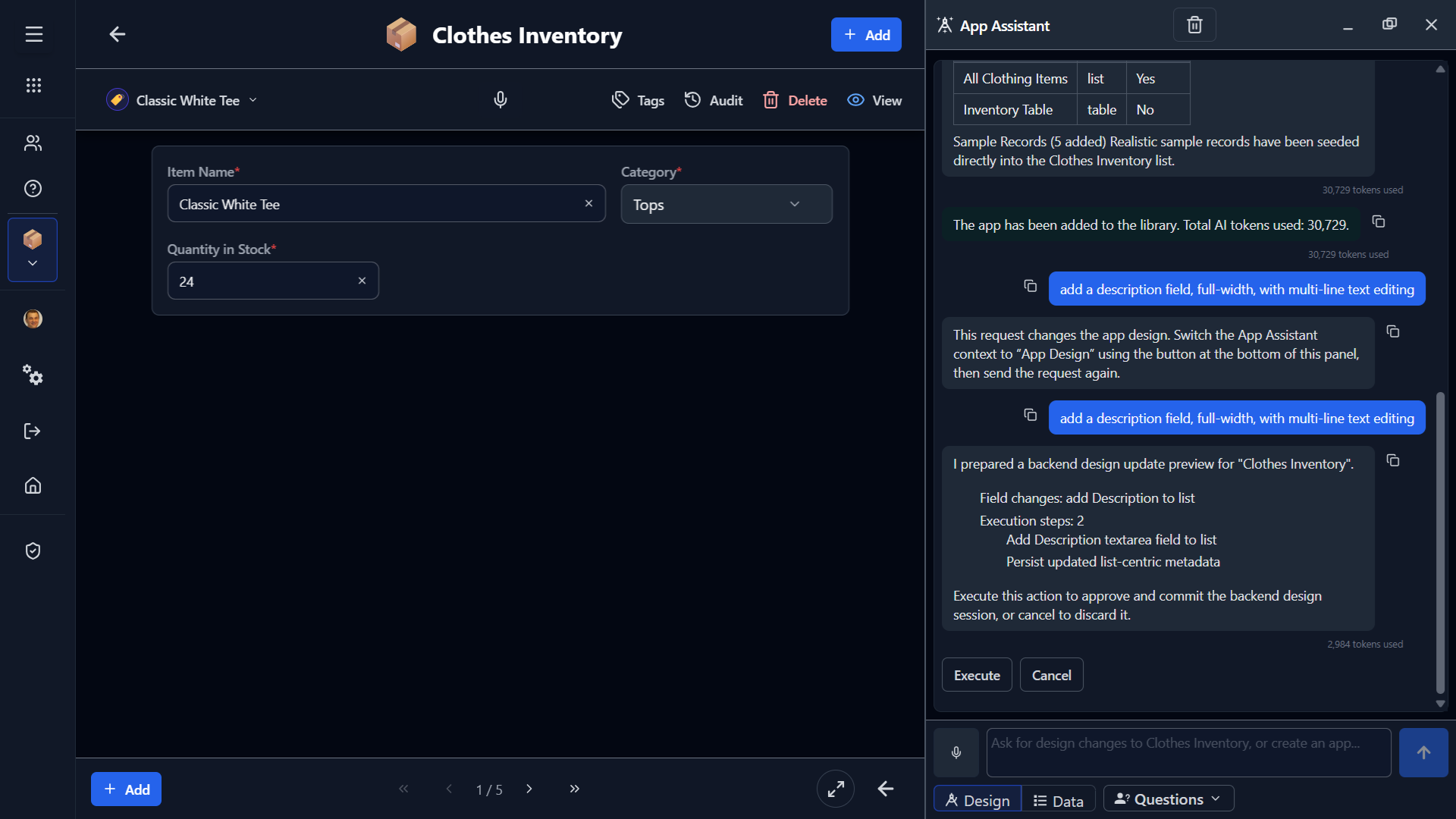
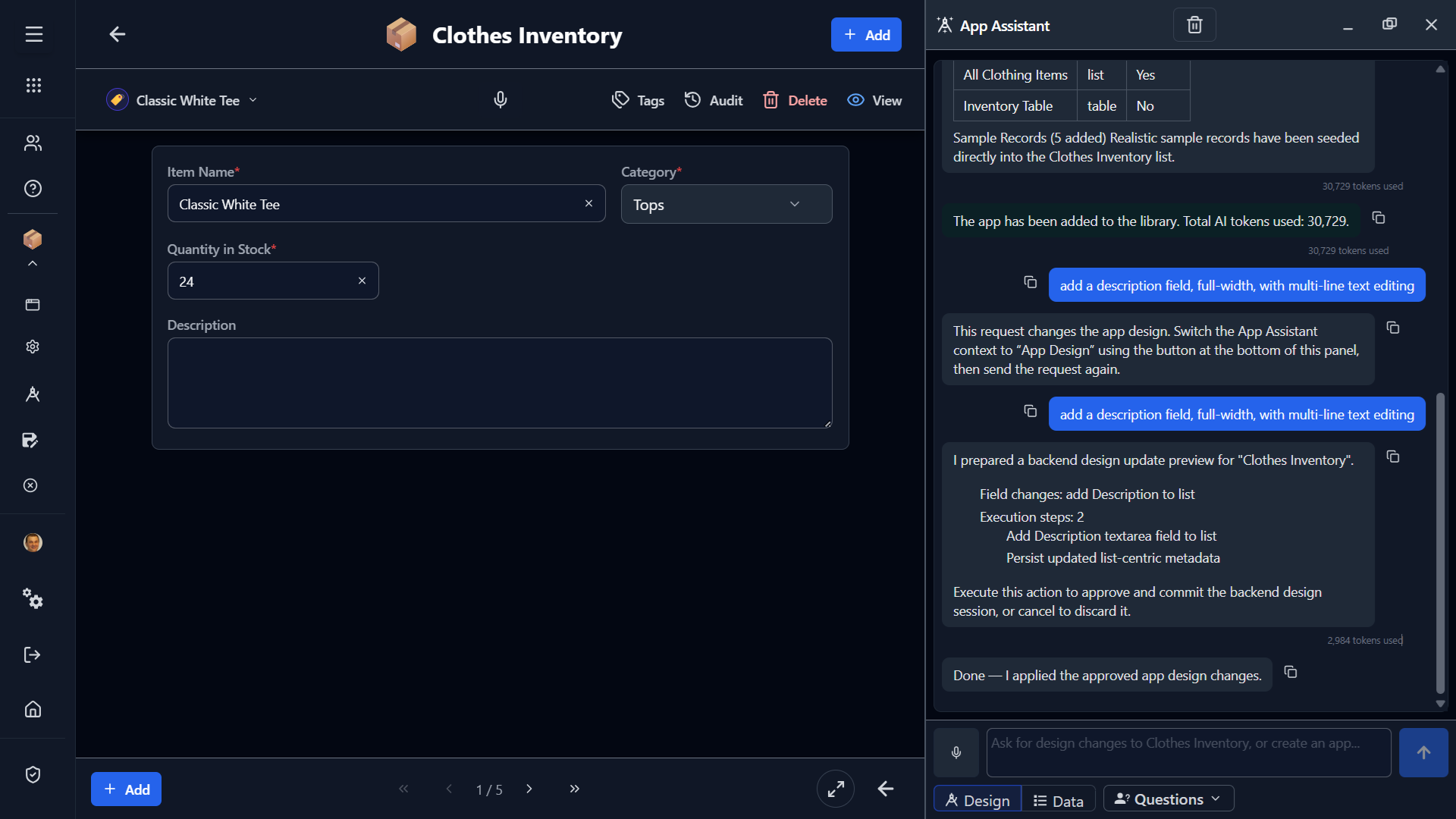
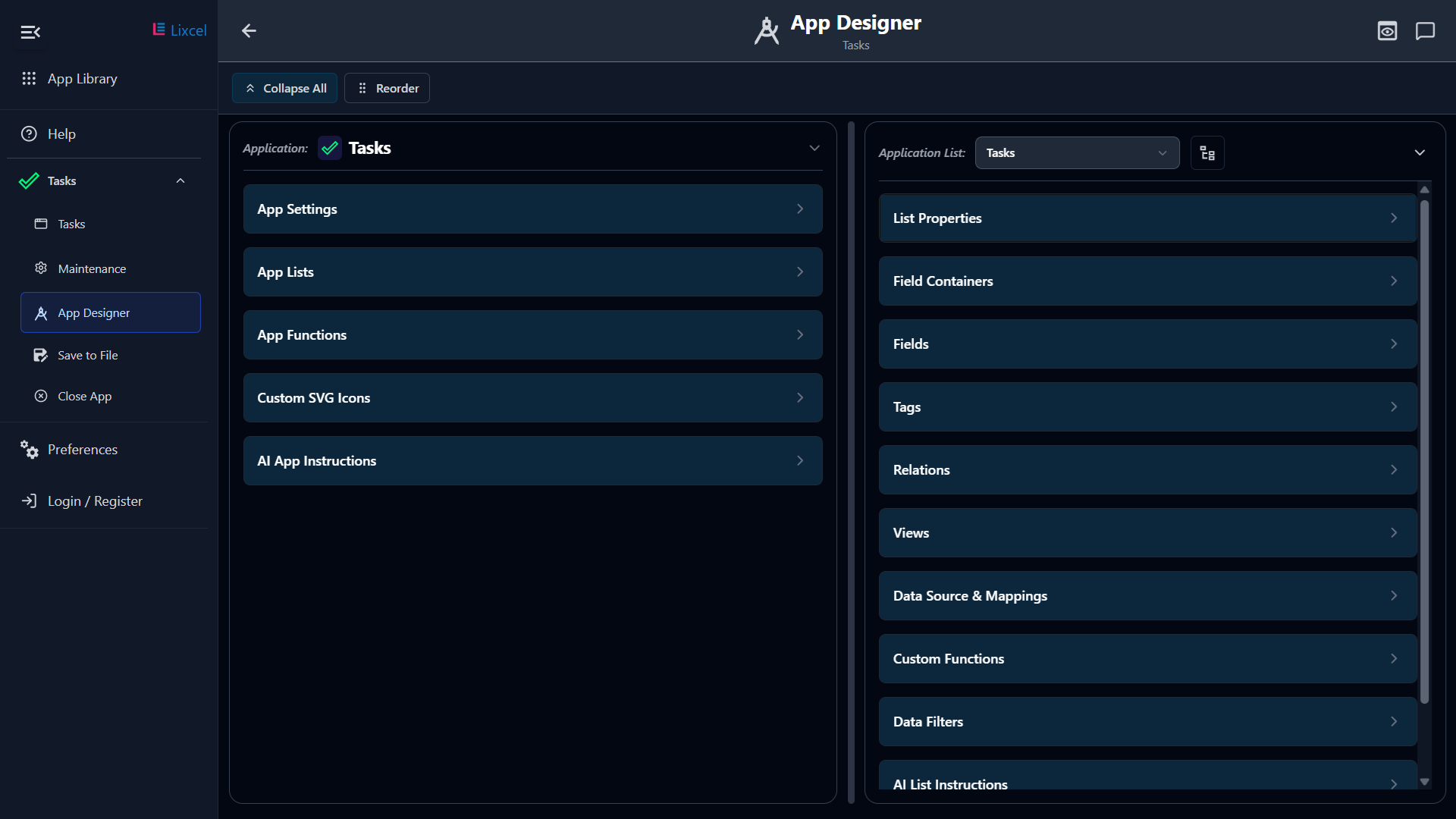
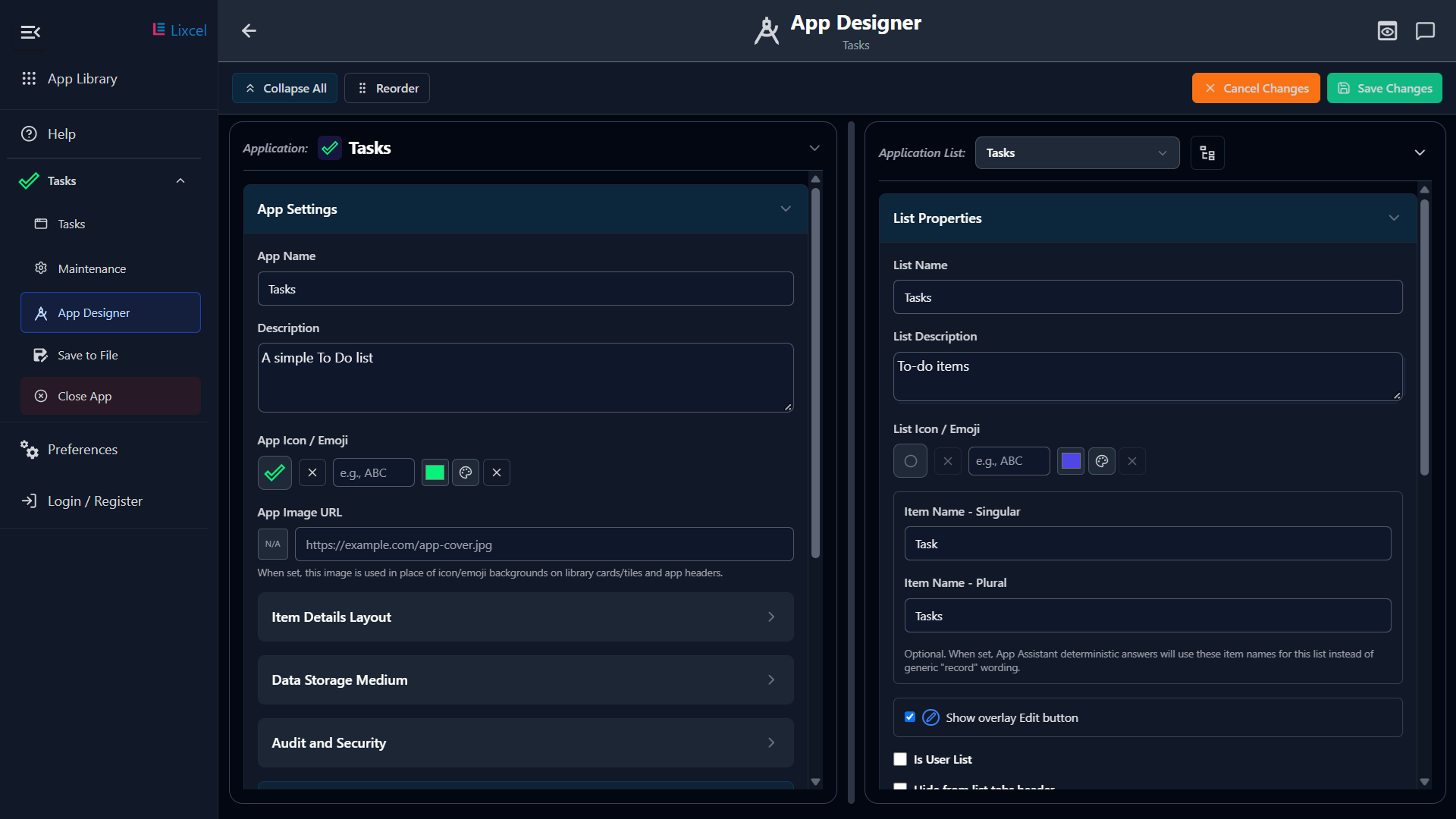
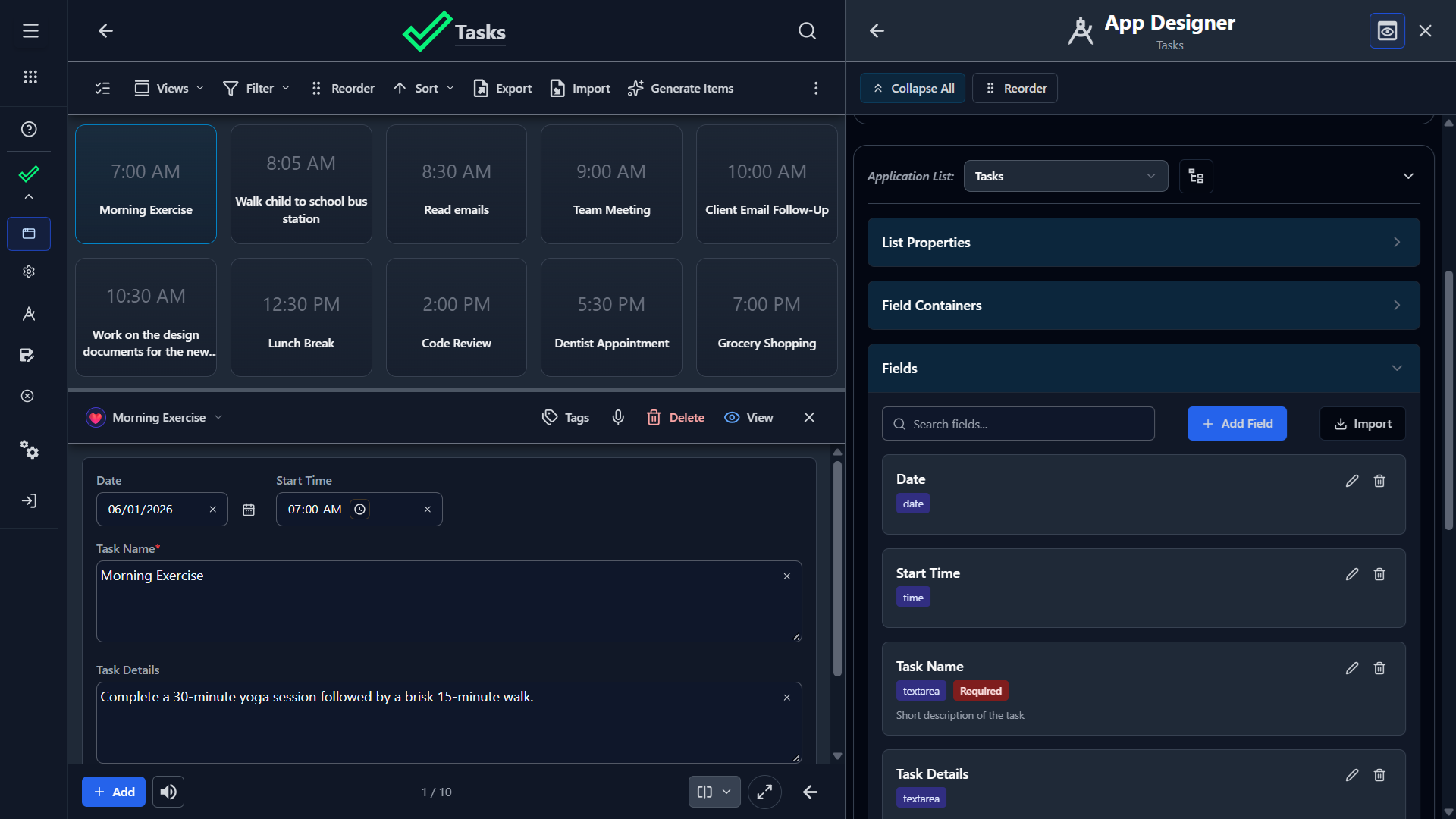
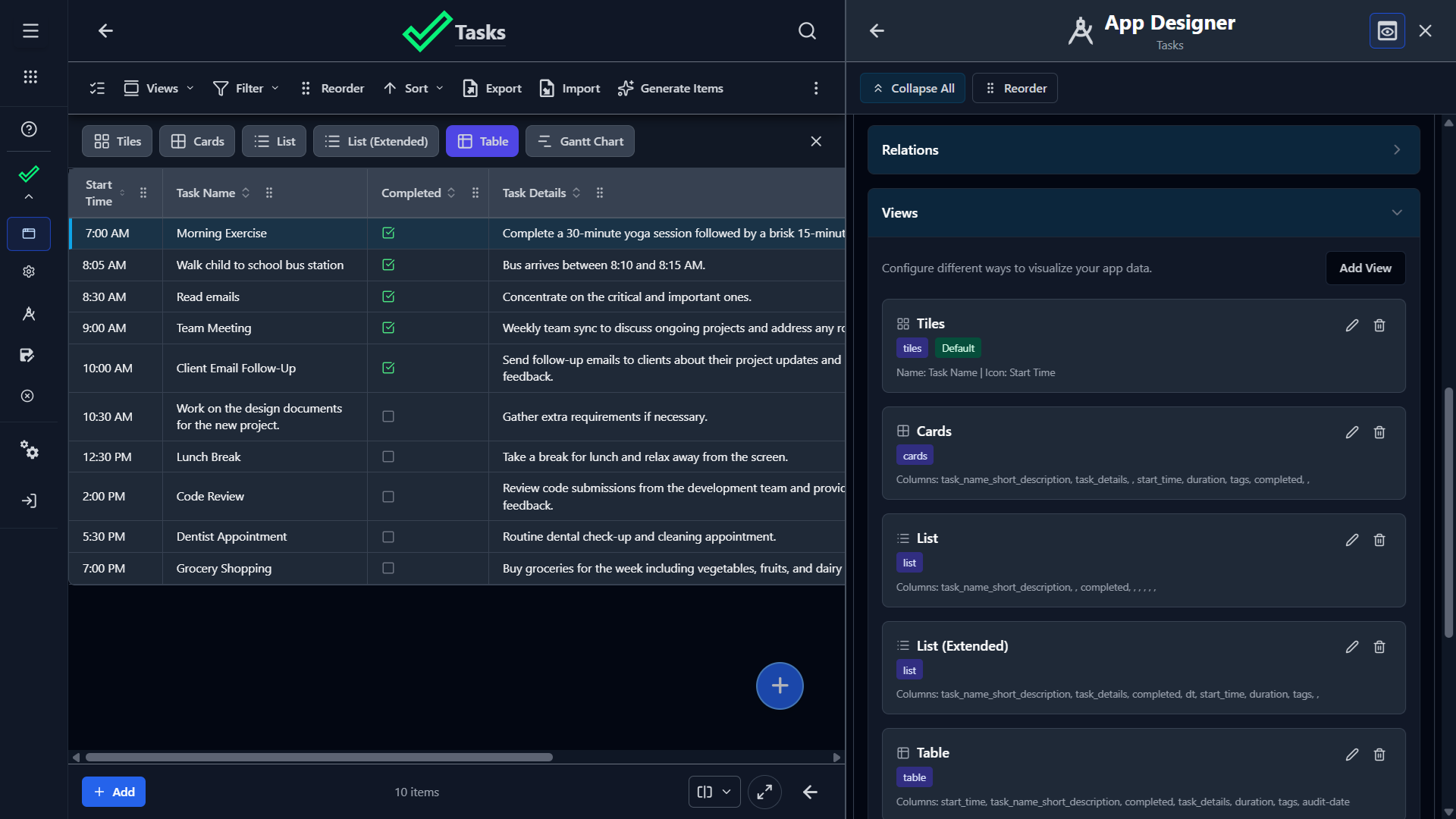
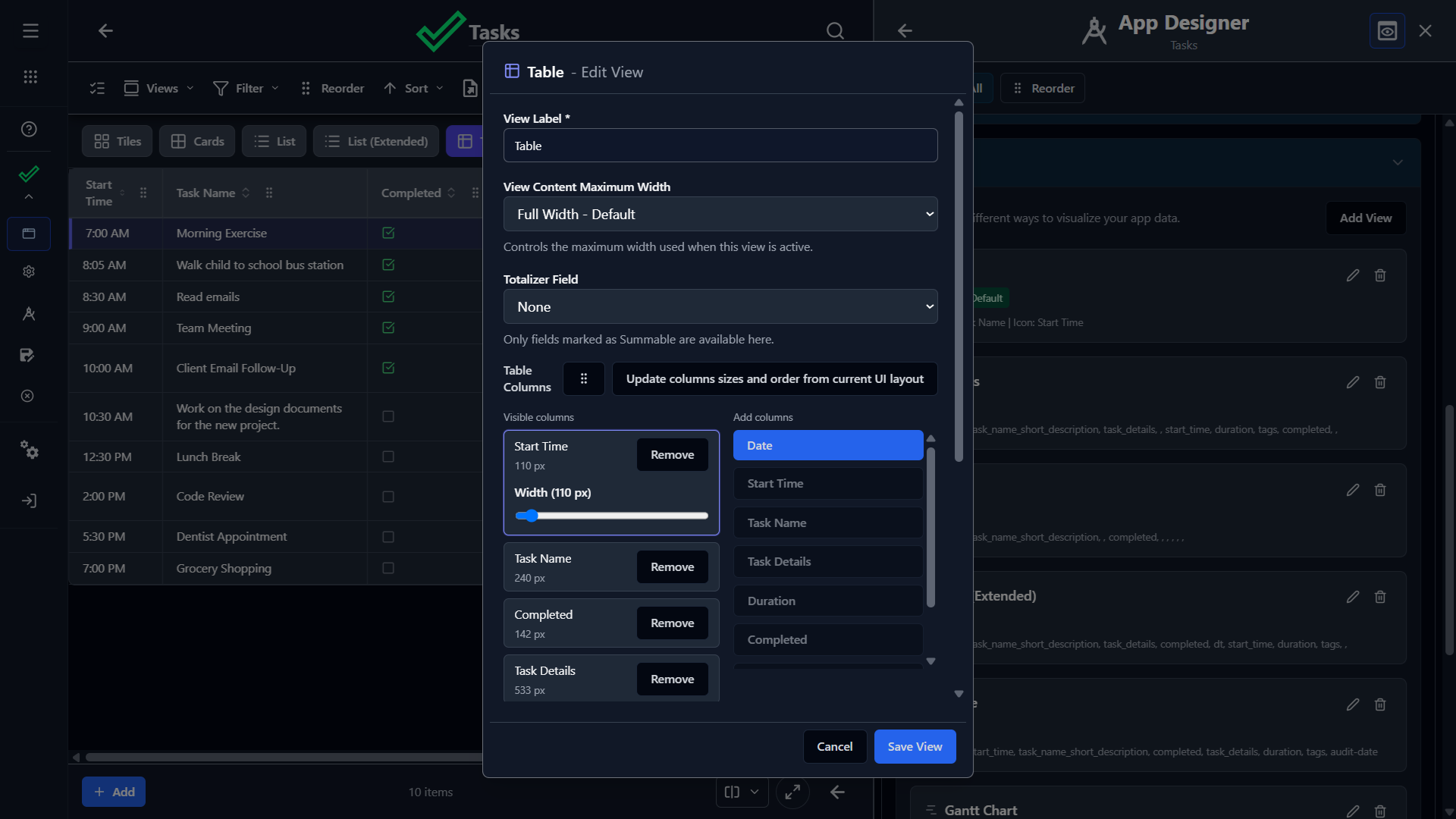
When a template doesn’t quite fit your needs, use the powerful yet easy-to-use Application Designer, complemented by an AI Assistant, to customize your app in minutes.
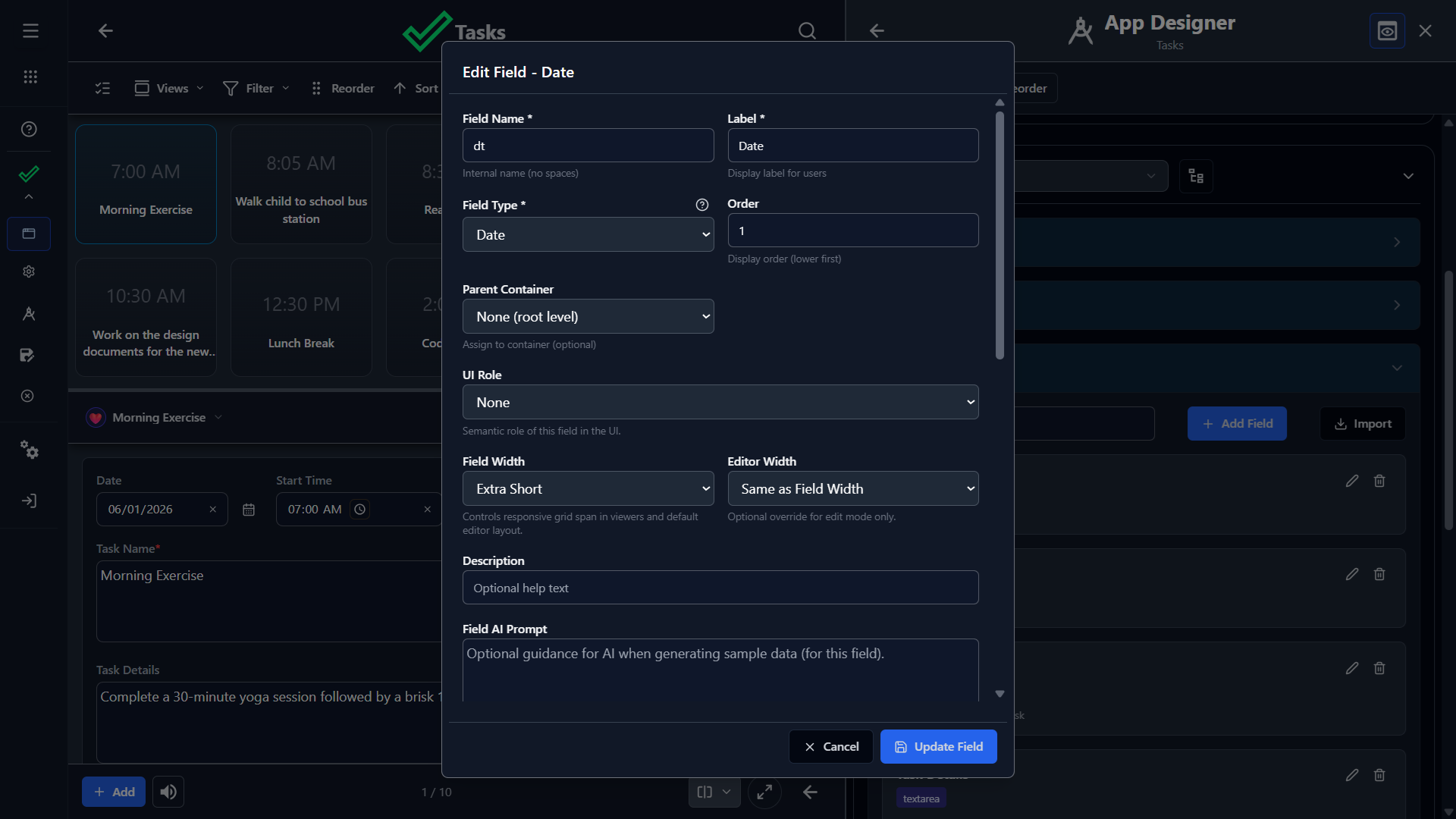
Shape your app with simple settings. No drag-and-drop widgets on a canvas—just add your fields, choose their data type, and they’re rendered automatically.
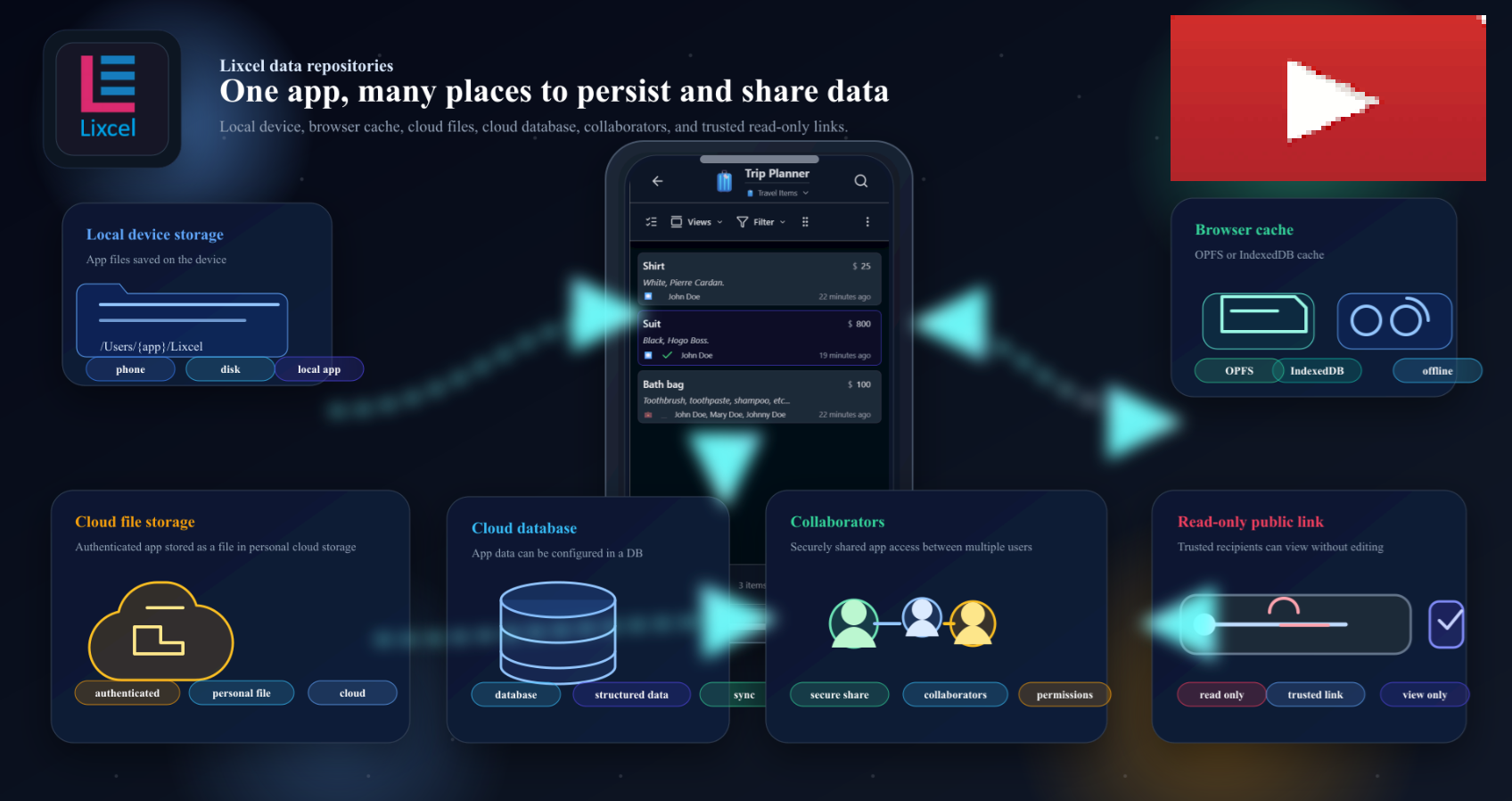
Lixcel is free for local use, with apps and data stored locally on your device. Sign in when you want to access your apps from anywhere, share them with others, or get more processing capacity and AI support.
Create and use apps without authentication. Your apps and data stay on the current device and browser, with limited AI features included.
Authenticated users store apps in Lixcel Cloud repositories. Each subscription includes an amount of data processing and AI tokens based on the plan, with the option to purchase more when needed.
New accounts include a one-month subscription with a limited amount of resources, giving you time to explore platform features before choosing a plan.
Plans start at approximately $5 per month — a simple way to move beyond spreadsheets without the cost of custom software.Sign in to Lixcel and open My Account to review your plan or upgrade.
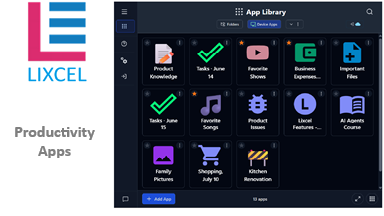
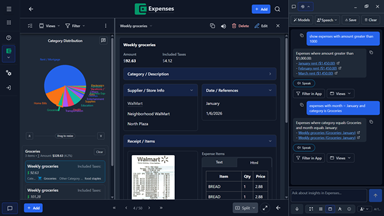
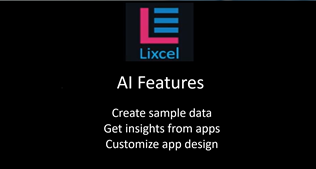
Watch a two-minute video for a general Lixcel overview, or follow detailed demos to learn how to use apps, the AI Assistant, integrations, and app design tools.

 App Features
 App Demos
 AI Assistant
 Integrations
 App Design
Videos may not reflect the latest version of Lixcel, as the product continuously evolves.
A few straightforward answers can help you decide whether Lixcel is the right fit before you start.
Lixcel is a no-code workspace for creating flexible apps for notes, tasks, projects, inventory, expenses, collections, and other personal or business workflows.
Lixcel can start with spreadsheet data, but it turns that data into a more structured app with fields, views, workflows, permissions, and collaboration.
Yes. Bring spreadsheet data into Lixcel and shape it into a working app, or begin with a ready-made template.
Guest apps and their data are stored persistently in the current browser on the device. Apps in an authenticated user’s library are stored in Lixcel Cloud repositories, using a database or cloud file storage. You can also save an app as a backup file on the device or an accessible local network location.
Besides free local use without an account, Lixcel combines subscriptions with pay-per-use resources. Each plan includes resource allowances, and you can purchase more when needed: data storage for cloud file and database repositories, process tokens for database access, and AI tokens for AI reasoning.
No. Start from a template, customize the app with simple settings, or describe what you need to the AI App Assistant.
Common examples include note-taking and task lists, inventory trackers, expense trackers, project managers, issue trackers, contact databases, travel planners, photo albums, renovation planners, and custom business tools. Start with a carefully crafted template, then customize its design whenever you need additional properties or features using the Application Designer for precise control or the AI App Assistant for a faster, more conversational approach.
Both. Keep personal apps private or share selected apps with collaborators and team members using permission-based access.
A spreadsheet is excellent for rows and calculations. Lixcel adds app-like structure, tailored views, workflows, permissions, and a focused experience for repeated processes.
We keep all our family information in Lixcel — from photos, videos and contacts to household inventories, expenses, trip plans, renovation projects and password-protected documents.— a family of four
Lixcel replaced three spreadsheets for our small business, giving our technicians and me one place to update shared data on the go. We also simplified the issue tracker template for our product maintenance workflow.— business owner
I needed an app to store medical test results, but I couldn't find a template for that. Then the AI App Assistant generated one for me, including the standard measurements and range explanations used on Canadian forms—all in less than two minutes.— Lixcel user, Canada
Its founder, a software developer and consultant, had worked on dozens of brand-new enterprise software applications for companies across North America and Europe. Being there from the beginning of so many projects offered a unique perspective: while every business was different, the process of building the software was often remarkably similar.
You started with the infrastructure.
You designed the data model and database.
You built the business logic.
Then you built the screens and user interfaces.
Project after project, much of the same foundation had to be built again.
That led to a question:
What if you could describe an application instead of building it piece by piece?
So he started building an engine that could turn structured information and simple configurations into working applications. It could understand the shape of the data and automatically provide the building blocks needed to work with it — from specialized fields and visualizations to filters, storage, and retrieval.
As AI advanced, the next natural step was to let it understand that structure and suggest the right properties and building blocks for almost any kind of application.
Lixcel now makes that underlying engine available to AI, allowing it to suggest the structure of a domain-specific application from a simple description of what you need.
What started as an experiment in making software development more efficient has become a vision for making application creation accessible to everyone.
And the journey continues.
Lixcel is growing its library of ready-to-use apps and templates while bringing together three powerful ideas: structured data, automatic application building, and AI.
Because sometimes, the best way to build software isn't to start coding.
It's simply to describe what you need.
Lixcel will open and take you to the ready-to-add Notes app in your App Library. You can optionally rename it before adding it.