
User Interface
Explore more screenshots...
What This Template Is For
The Tasks template is a lightweight to-do and work-planning app for short actionable items.
It is a good fit when you want to keep tasks simple, move through them quickly, and review them in more than one layout.
Common use cases include:
- daily to-do lists
- personal follow-ups
- household action lists
- lightweight work queues
- simple time-blocked activities
Core Structure
The template centers on a small set of practical fields:
- Task Name / Short Description: the main action item
- Task Details: optional context or notes
- Start Time: a quick scheduling anchor
- Duration: an estimated effort value
- Completed: a simple done state
This structure is intentionally minimal so entry stays fast.
Included Views
The template includes several ways to review the same task list.
List
Use List for fast entry, quick scanning, and mobile-friendly daily use.
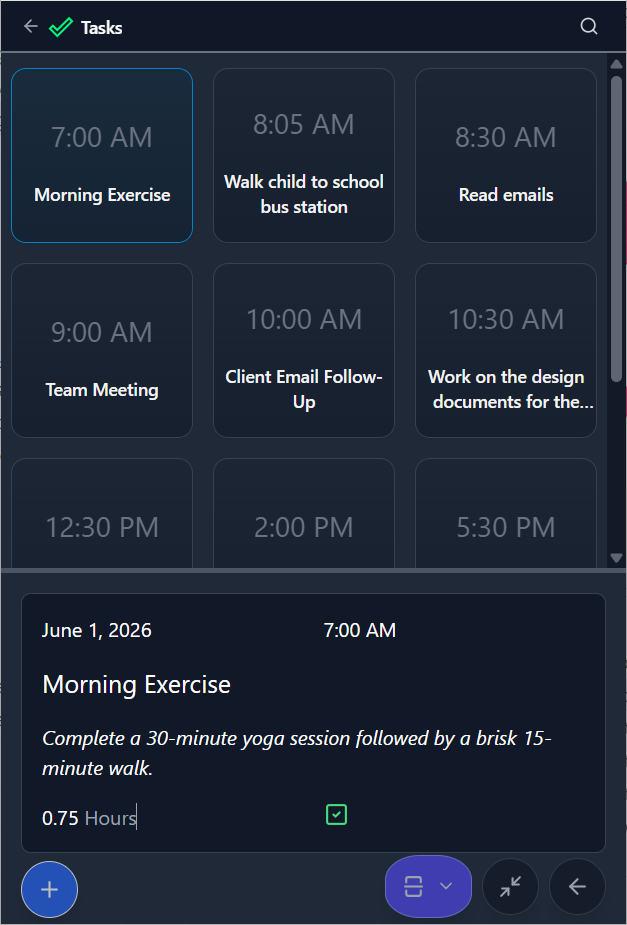
Tiles
Use Tiles when you want a more visual overview of the tasks in your current set.
Cards
Use Cards when each task needs a little more room for details such as notes, duration, or completion status.
Table
Use Table when you want denser sorting and side-by-side comparison.
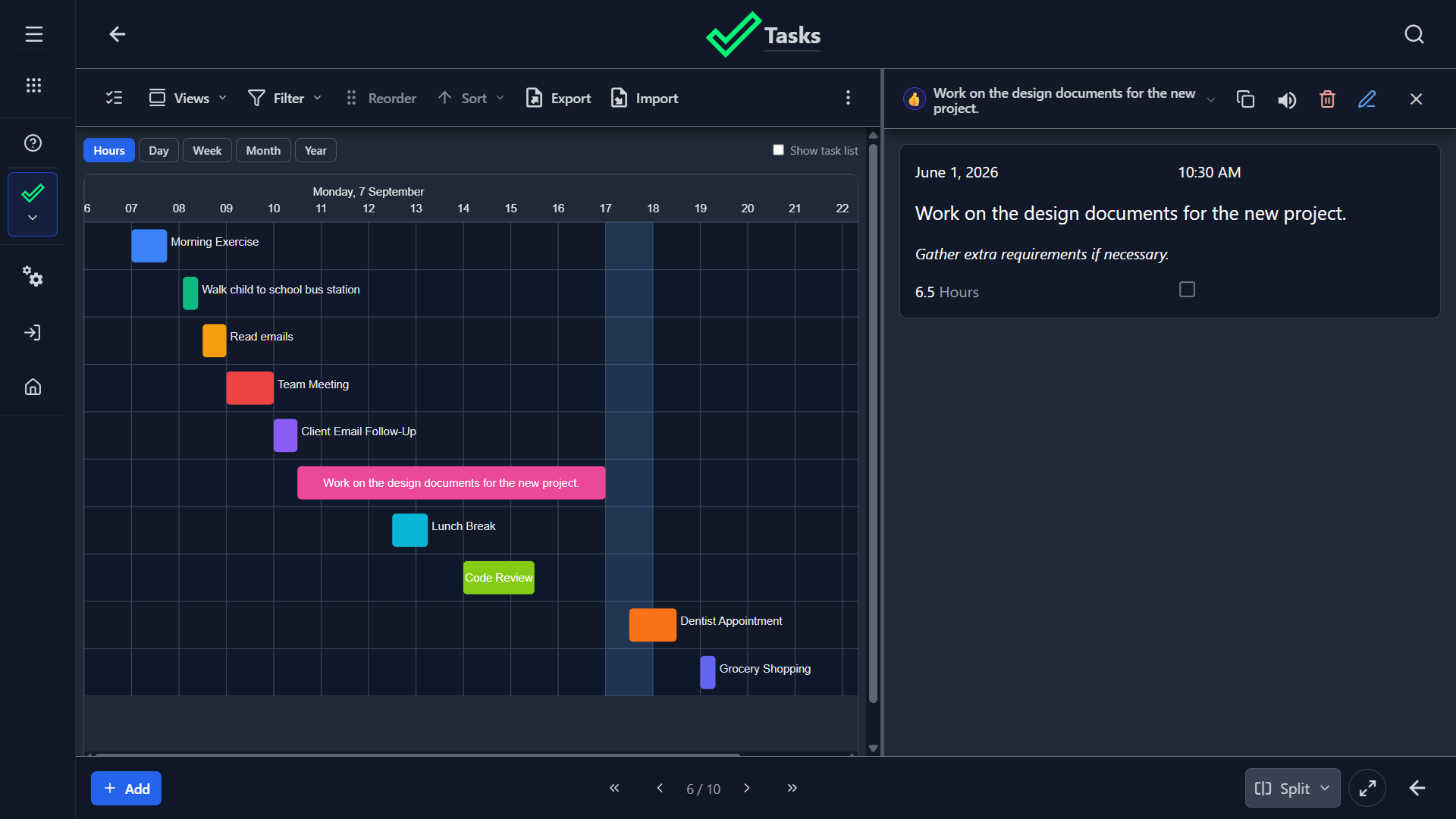
Gantt Chart
Use the Gantt view when start times and durations matter and you want a timeline-style planning view.
Recommended Workflow
- Capture tasks with short, clear names.
- Add details only when they help execution.
- Set time and duration for items that need scheduling.
- Mark tasks complete as you finish them.
- Review the list regularly and remove stale items.
Good Practices
- Keep task names action-oriented.
- Avoid putting multiple tasks into one record.
- Use duration as an estimate, not as a perfect commitment.
- Review completed items regularly so the list stays clean.
Summary
Choose the Tasks template when you want a fast, low-friction task tracker that stays simple but still supports list, card, table, and timeline review.